CMK version: 2.1.0p19 OS version: "Red Hat Enterprise Linux Server 7.9 (Maipo)
Error message:
Hello,
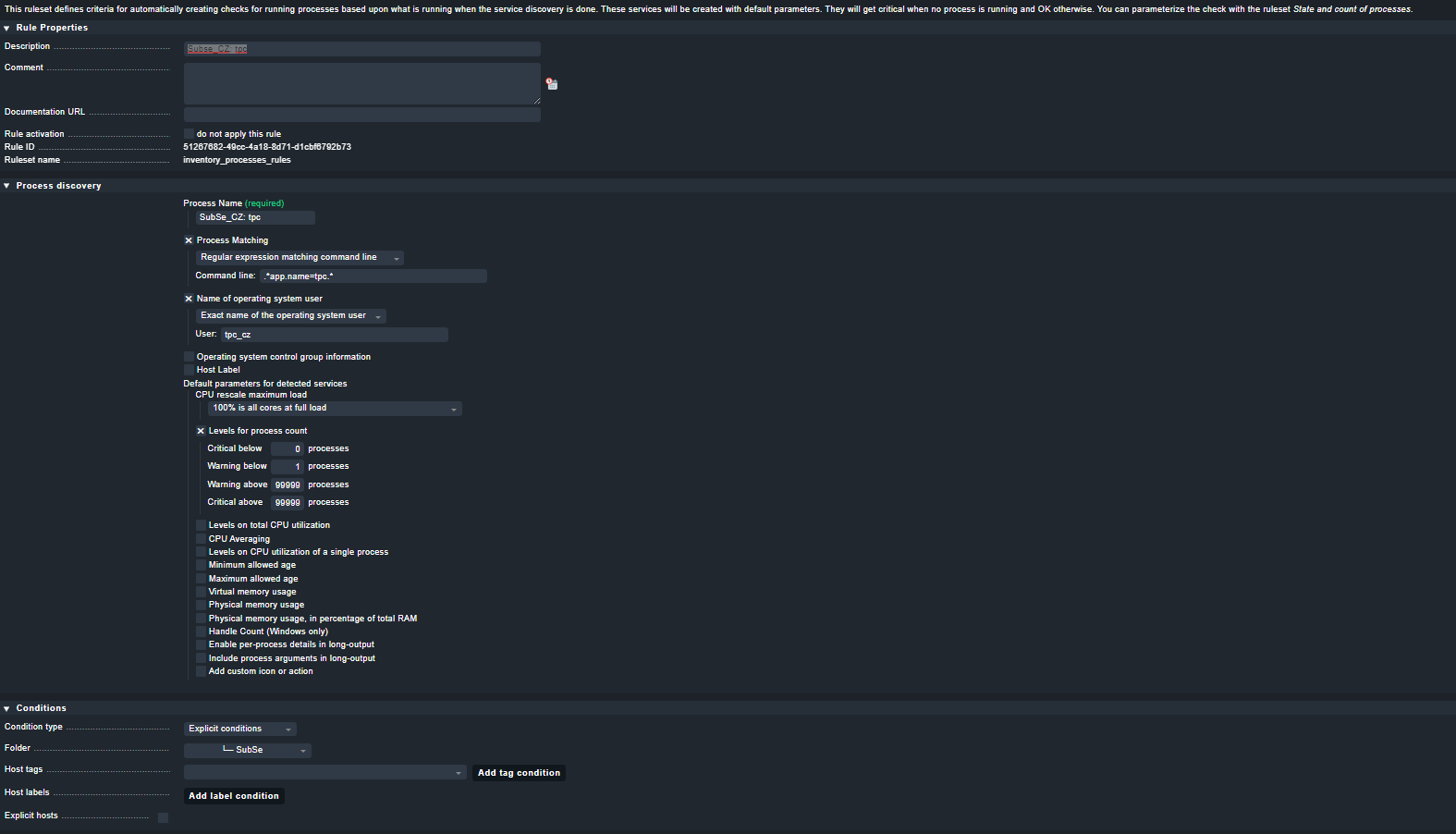
we have some process discovery rules on our systems, at the moment they alert us when process is not running with CRIT alarm. We’d like to change it to only generate WARN alarm if the process is not running, we don’t need CRIT alarm. For this reason we’ve configured the CRIT threshold below 0, but even then we receive CRIT alarm instead of WARN.
Here is our configuration:
Hi Marianpetro,
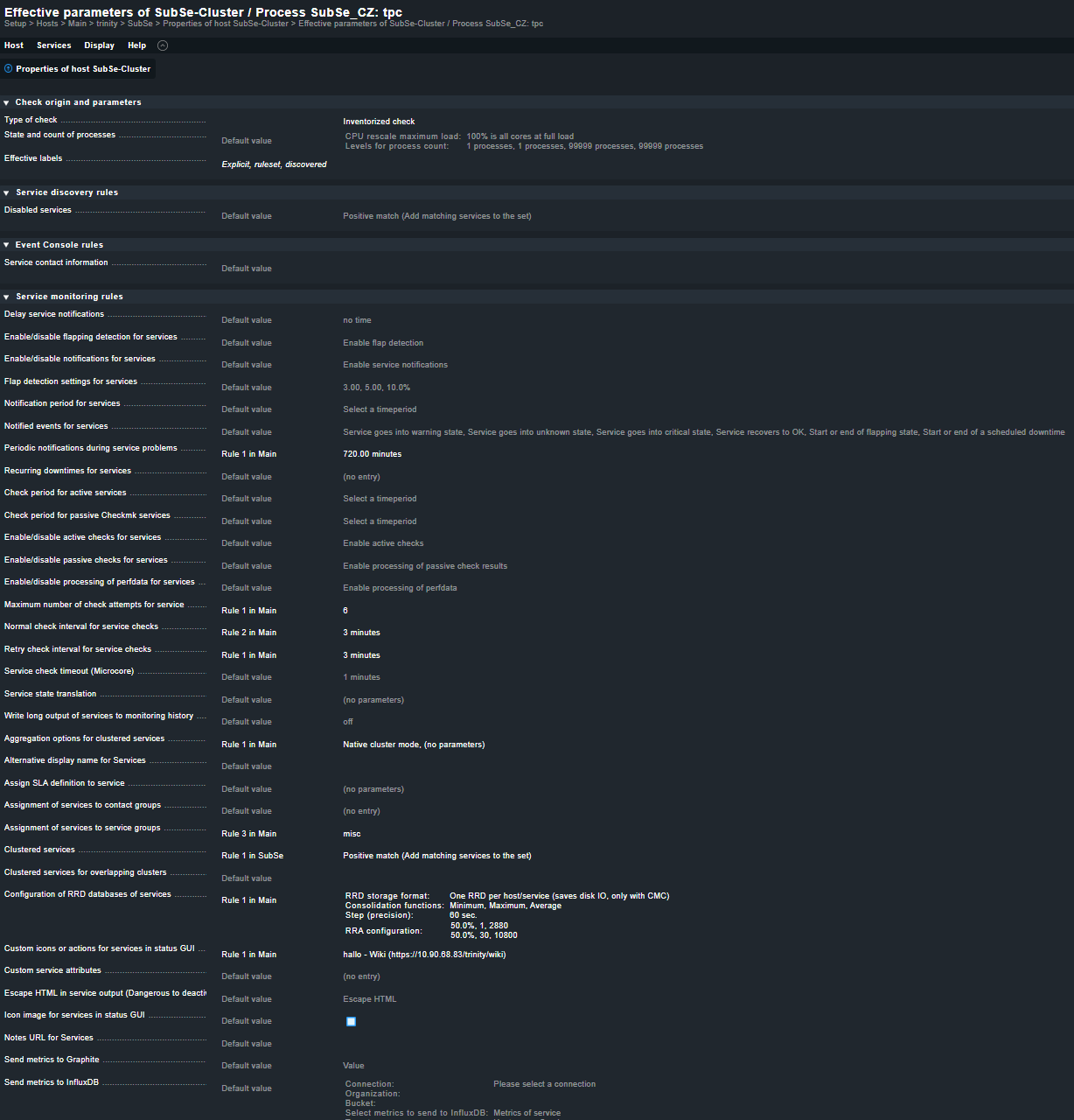
actually it should work like you described it. Is there maybe another rule that overwrites your thresholds? You can check by go to the Service and open “Parameters for this Service” from the Burger menu. Also check “Parameters for this host” and search for process.
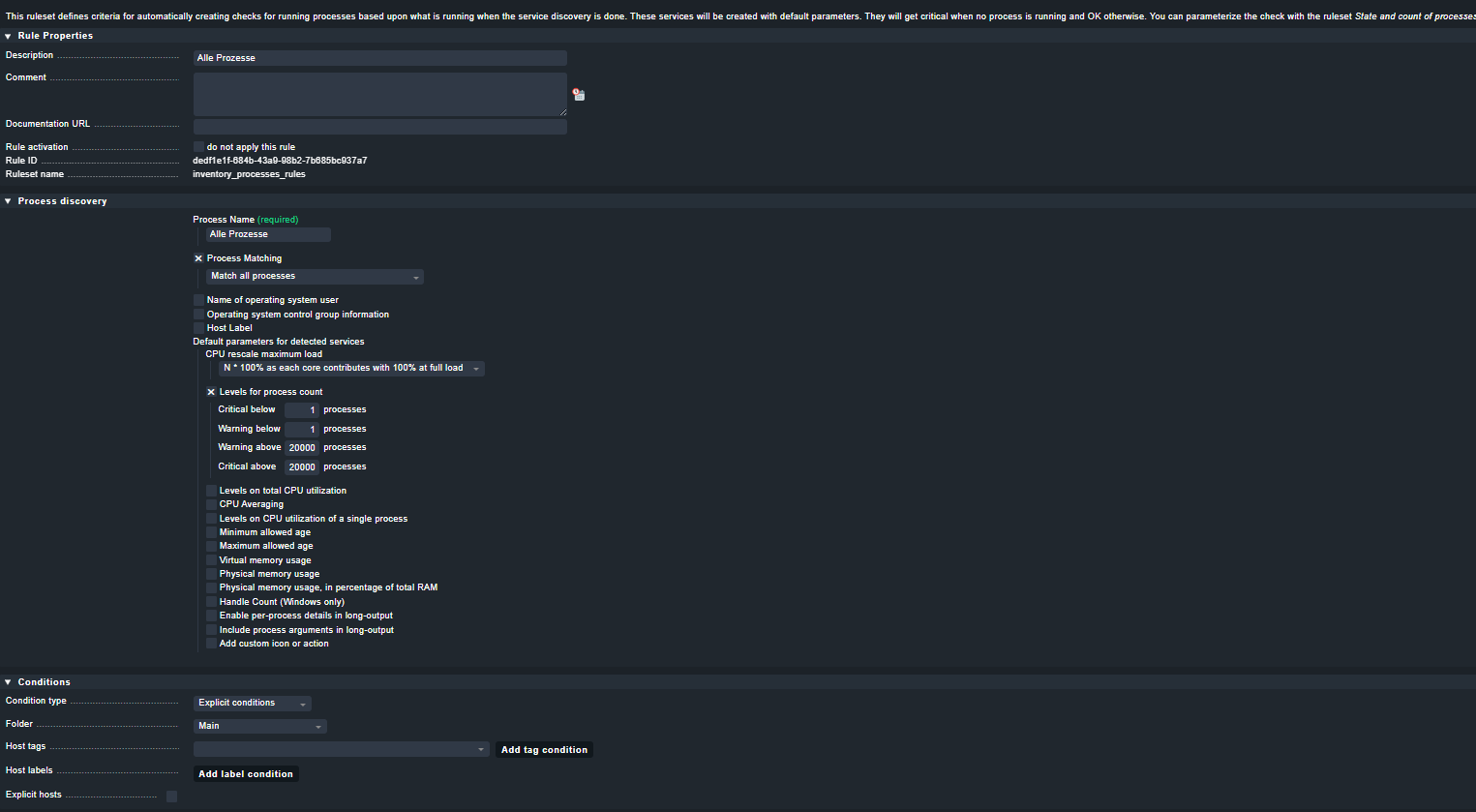
thank you for the quick reply. Indeed I found 1 rule in the main directory (this directory then includes all the hosts) which might be affecting the threshold:
However I tried to remove/unselect the “Levels for process count” in this main rule, activated the changes, then tried to stop the application, but even then a CRIT alarm is generated.
I can also see that threshold is 1/1 in the alarm description:
it seems that it’s working now. I had to move the check for this process back to undecided services first and then back to monitored services in order to make the changes effective.
After I did that, it seems that we now receive WARN instead of CRIT as expected.
This topic was automatically closed 365 days after the last reply. New replies are no longer allowed. Contact an admin if you think this should be re-opened.