Hi
Im using recurring downtime for host and services.
For specifik times that works great.
But how do you do when a schedule is variable each month.
I have some of those where I manually need to change the date and time for both recurring downtime for hosts and services.
Is there an easy way to activate these like “patch group1 host” and “patch group1 services”.
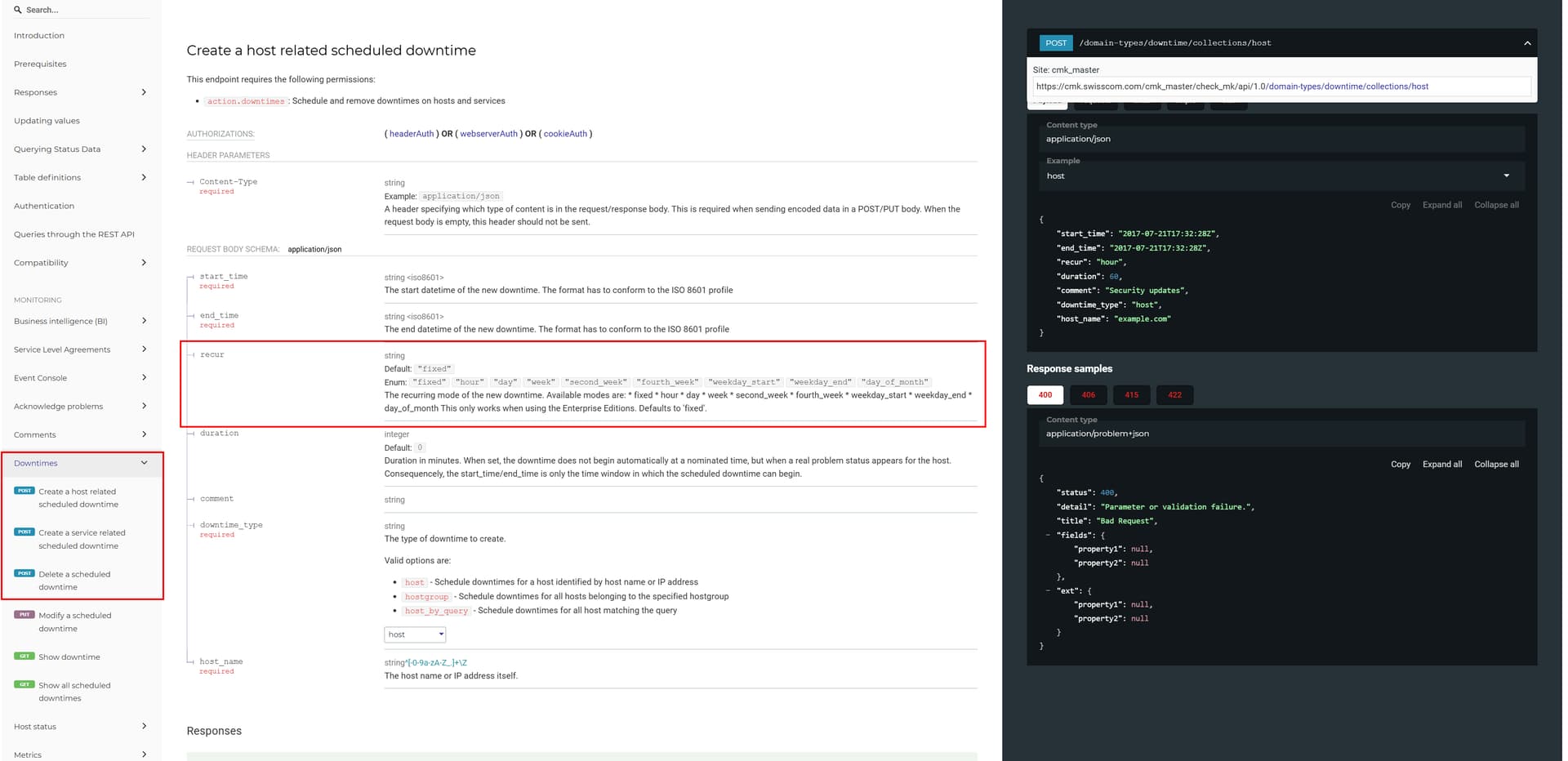
If not through the GUI, is there an API way because I cannot find “recurring downtime for host” or recurring downtime for services" in the API documentation.
Do you know how this format works, because when I use the API api/1.0/objects/rule/$RuleId
I get this return and dont understand how the time is written
“value_raw”: “{‘comment’: ‘Test Group’, ‘start_time’: 1758266430.0, ‘interval’: 3, ‘duration’: 7200}”
I understand what you mean and could set the downtime each time.
Downtime does not change, it is the same time, just dont know how to set it, because is some think like the first Thursday after the second Tuesday (patch Tuesday) of the month.
So, the reason to keep it in recurring downtime is to select/collect all the host and services needed for each time.
As I understand it, your actual issue is determining on which day and for which hosts the downtime should apply.
In our patching process, we handle it as follows:
We have a predefined host group for each of our patch groups (e.g., DT_PATCH_GROUP1). Host assignment to these groups is done automatically using conditions defined in the “Assignment of hosts to host groups” rule. This way, all hosts are dynamically assigned to the correct host groups based on specific attributes — no manual intervention required.
At the beginning of the patch process, the Downtime Start step sets a downtime for the corresponding patch group via the API using the predefined host group.
At the end of the patch process, the Downtime End step cancels the downtime by setting the duration to 0.
This approach has several advantages:
The downtime only lasts as long as the patching process itself (just make sure to configure the initial duration with enough buffer). Without the cancellation step, the downtime would simply expire at the predefined time.
Downtimes can also be scheduled independently via any scheduler (e.g., cron, job schedulers, etc.) — they don’t have to be triggered from within the patching process.
Since the downtime targets a host group, it can also be selected via the Checkmk GUI, making it easy to manually set or adjust downtimes if needed.
Instead of host groups, you could also use service groups for downtime assignment, depending on your monitoring setup.
Regarding your scheduling, if you want the downtime to start on the first Thursday after the second Tuesday, that would be the second Thursday of the month or not . For such cases, you can use the Repeat this downtime Option “same nth weekday (from beginning)” — with the first downtime date setting the starting point. This would schedule a downtime each month for the second Thursday in every subsequent month.
Even though it’s most likely a lost cause — every vote counts….
I have added the servers to a recurring downtime, with labels, because the labels are assigned to the servers, based on AD group membership and updated with the API automatic.
But will also have a recurring downtime for serivces, where there is a webserver or something that goes through load balancer so some services need downtime.
And due to it being to groups I will look at the API to update the patch time for both groups.
Good idea with the stop patch also.
Are you interested in sharing on how you send this to the API?
We utilize a customized version of the Checkmk downtime script found in the share/doc/check_mk/treasures directory.
In contrast to the original script, our version only cancels downtimes created by the invoking user, rather than removing all active downtimes. It also includes filtering capabilities by host, service, or comment to selectively target specific downtimes.