Error message: Item not found in monitoring data → Timeouts
Hi,
I’m using the Redfish API to monitor my Supermicro servers.
I have 9 servers with redfish 1.11 in the BMC fiirmware.
They work just fine.
I have added another 2 servers, but these 2 are 2 generations older.
They have redfish 1.8 in the BMC firmware.
I was able to add them and get all sensor readings in CheckMK, but i get lots of timeouts.
Random sensors get the error (Item not found in monitoring data), they do recover in less than 1 min.
The number of retries and Timeout setting for the plugin is already set to 20 for both.
I tried enabling the Debug mode, but it looks like the log file does not exist.
[special_redfish] PermissionError: [Errno 13] Permission denied: /RedfishApi.logCRIT, [piggyback] Success (but no data found for this host), Missing monitoring data for all pluginsWARN, execution time 0.4 sec
There is no RedfishApi.log file in the folder : ~/var/check_mk/core
It would be super if we can fix this because i plan an adding another 2 servers.
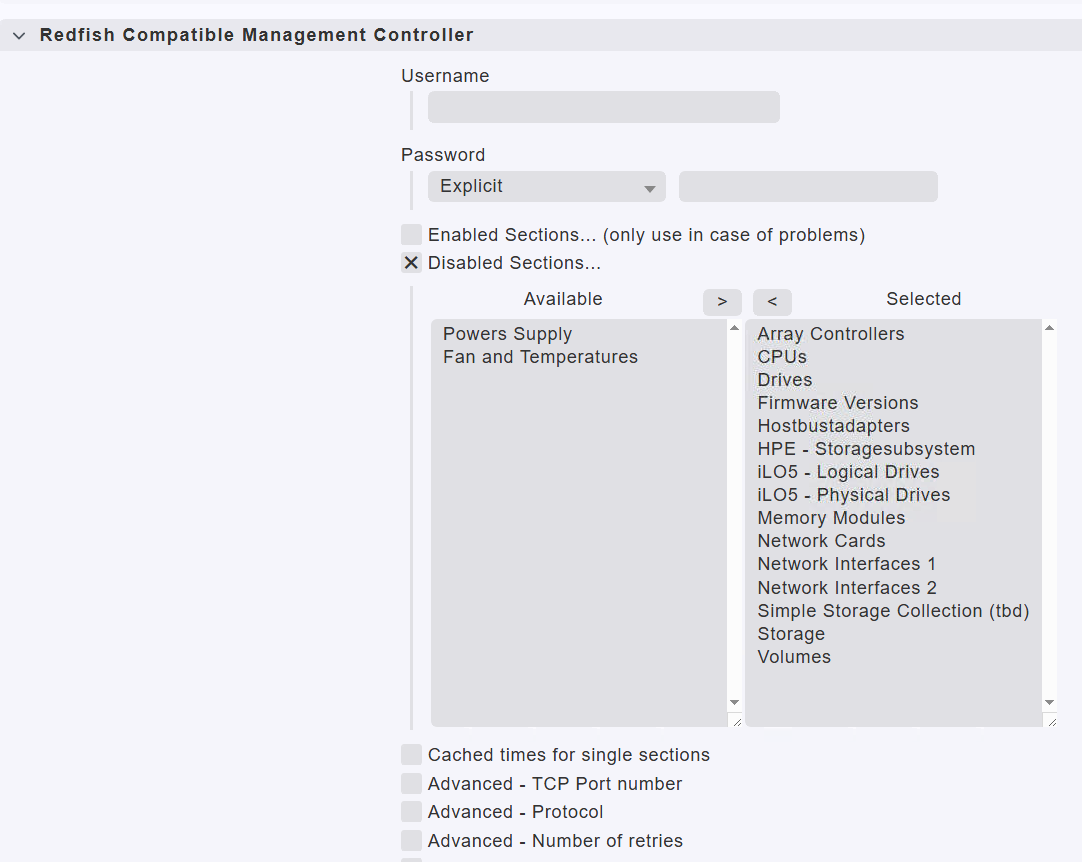
This is ok as long as your “System state” provides a “Rollup state” if you see only “Component State” then i don’t know what is all included.
For the missing items i have no generic solution.
If “Rollup State” is available inside “System state” it would be also possible to disable all section and get a valid check result. But i checked on some of my Supermicro servers and all don’t show a rollup state
The Supermicro where i see similar problems have Redfish 1.8 and 1.9 version.
I can have a look for the debug option. Until now i only used the debug manually on the command line and then the log is placed in the folder where you are at the moment. Must have a look if it is possible to specify an output path for the log.
How do you do the debug manually?
I had tried this command: cmk --debug -vv ServerName.
It gives me a clear output, but no log is created.
Probably i need another command.
Thanks
This topic was automatically closed 365 days after the last reply. New replies are no longer allowed. Contact an admin if you think this should be re-opened.