Hi @bellsandwhistles,
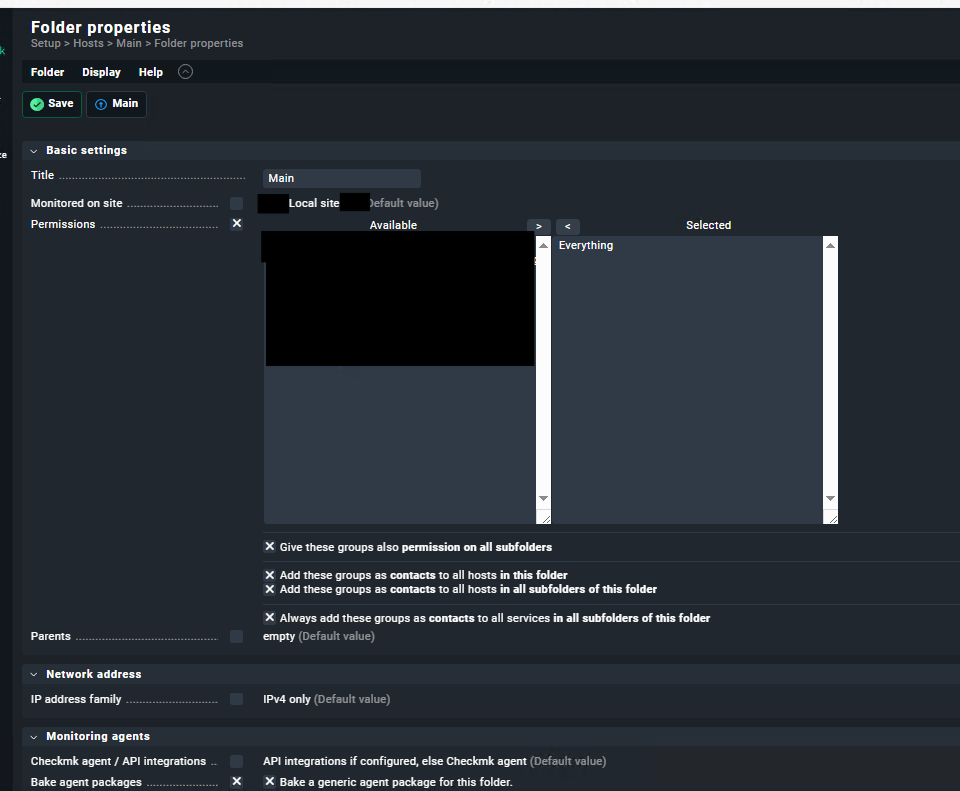
I think I can see what is happening here. Your assumption about inheritance is correct in principle, but there is a subtle mechanism that is breaking it in your case.
The root cause: the built-in all contact group
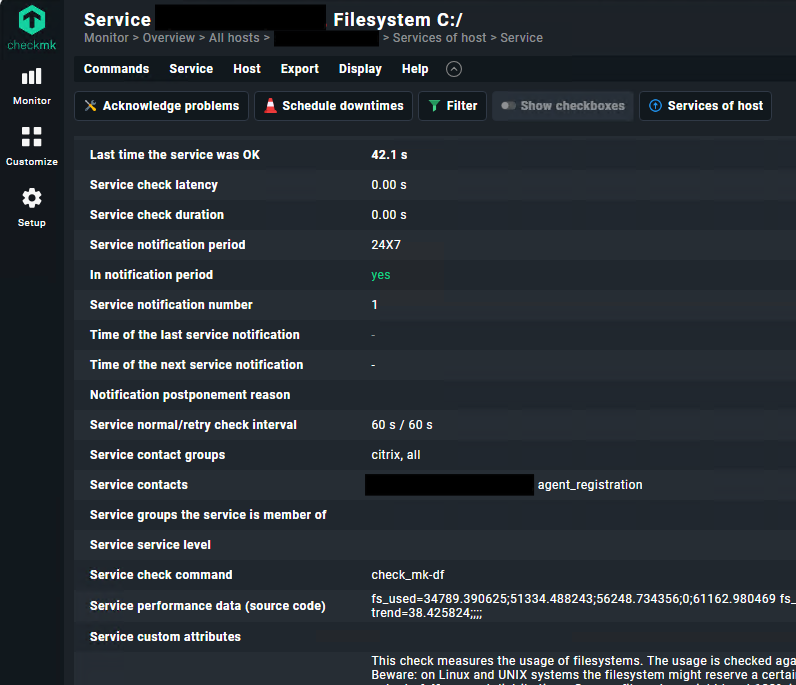
Every service in Checkmk is automatically assigned to the predefined all contact group. The inheritance rule states that a service only inherits contact groups from its host if it has no explicit contact group assignment of its own. Since every service already has all as an explicit assignment, the inheritance from the host never kicks in — which is exactly what you are seeing in the service view.
How to confirm this in 30 seconds
Run this on your Checkmk server as the site user:
cmk -D myhost.foo.bar
You will see something like this:
Host myhost.foo.bar
  Contact groups:   your-contact-group, all    ← correct

Services:
  Service: CPU utilization
    Contact groups:   all                       ← inheritance blocked
  Service: Memory
    Contact groups:   all                       ← same
If the host has your custom contact group but all services only show all, that confirms the diagnosis.
The fix
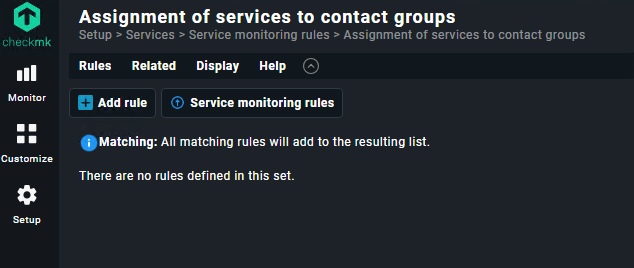
Add a matching rule for services alongside your existing host rule:
Setup → Services → Service monitoring rules
→ Assignment of services to contact groups
→ New rule with the same host tag conditions as your host rule
→ Assign the same contact group
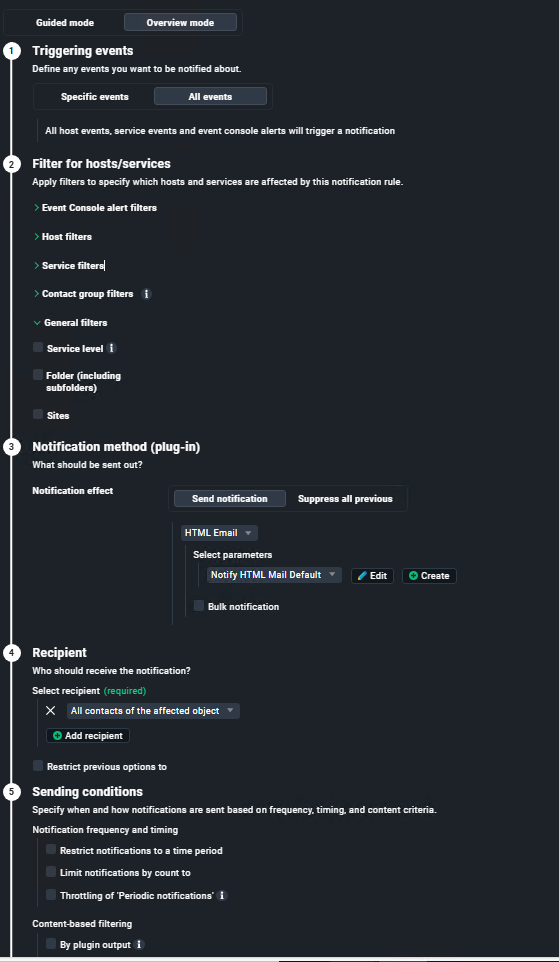
After saving and activating changes, run cmk -D myhost.foo.bar again — your contact group should now appear under the services as well, and “All contacts of the notified object” in your notification rule will start working correctly for service notifications too.
Why explicit is right here and not implicit
The Checkmk docs note that once you go beyond a simple single-team setup, explicitly assigning contact groups to both hosts and services is the cleaner approach anyway — it makes your configuration transparent and predictable, and avoids surprises when the all group is involved.
Hope that helps!
Greetz Bernd