Hi Forum,
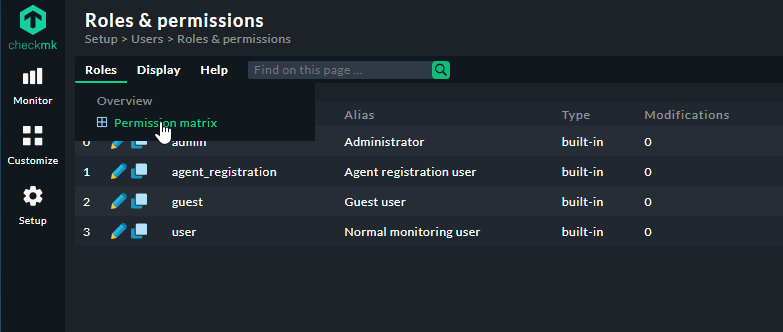
I need to adapt the Normal Users Role so they can also set downtimes
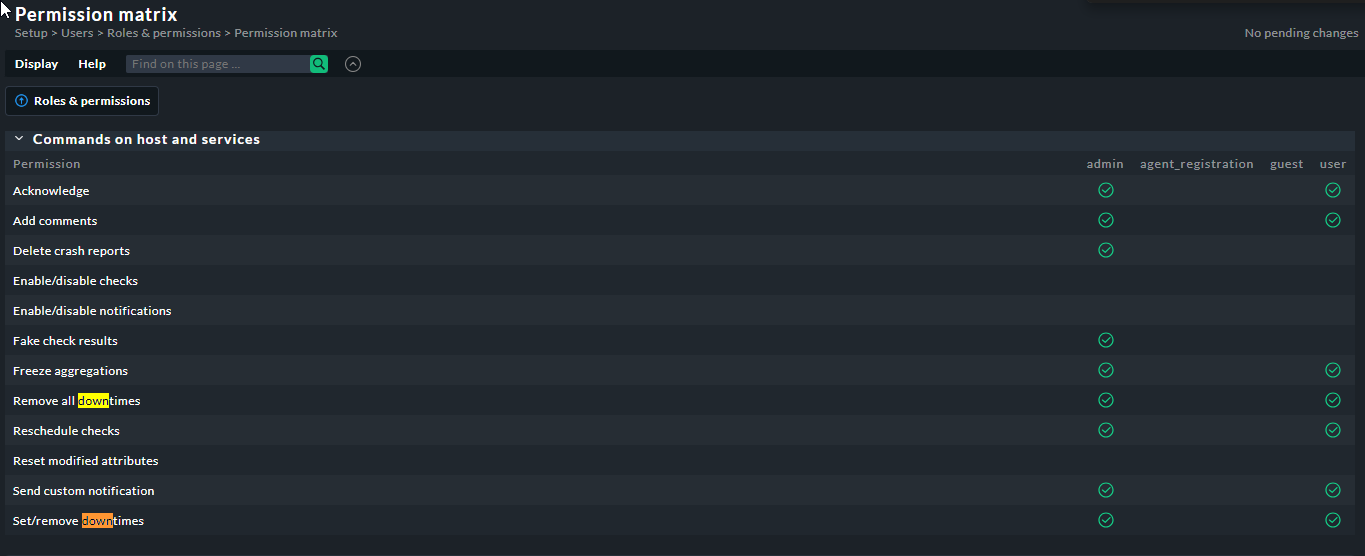
I have enabled anything downtime related still not able to set downtimes
Isn’t there any other way to find out how I can enable this for a specific role ?
Hi Forum,
I need to adapt the Normal Users Role so they can also set downtimes
I have enabled anything downtime related still not able to set downtimes
Isn’t there any other way to find out how I can enable this for a specific role ?
The builtin user role already has the permission to set and remove downtimes.
What exactly is the problem? Please provide some more information.
If I copy the Normal User role and adapt the role so I can set dowtimes all is ok
But if I do this with the Guest User in won’t allow me to edit/set Downtimes
@philippe Do you mean
Did I understand that correctly?
sorry no, the last step : the modifications they do stick, I have enabled ALL downtime related ticks and am not able to set a downtime
when I copy from normal user I can set DT
the modifications they do stick, I have enabled ALL downtime related ticks and am not able to set a downtime
OK, to be more precise: They LOOK like they stick, but effectively they DON’T, because a user with the copied role can’t do the according to the permission matrix they SHOULD be able to do.
So if the user has a copied-and-modified role originating from the “Guest” role, it doesn’t work, but if the user has a copied-and-modified role originating from the “Normal User” role it does?
Yes
I was told their are extra options I need to enable on the Guest Role in order to be able to set DT ?
Found it !!!
This has to be enabled in the Guest Profile also !

This topic was automatically closed 365 days after the last reply. New replies are no longer allowed. Contact an admin if you think this should be re-opened.