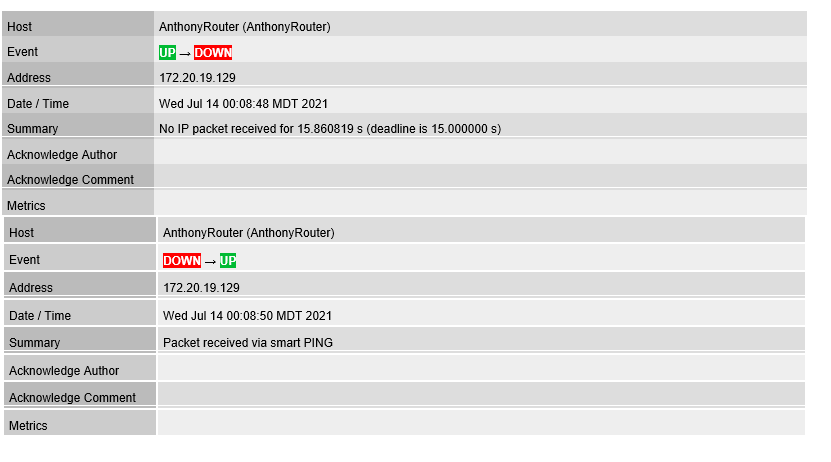
I have a couple of WAN hosts that frequently show down (ping was over 15s) and then back up again a minute later. After a couple hours it happens again.
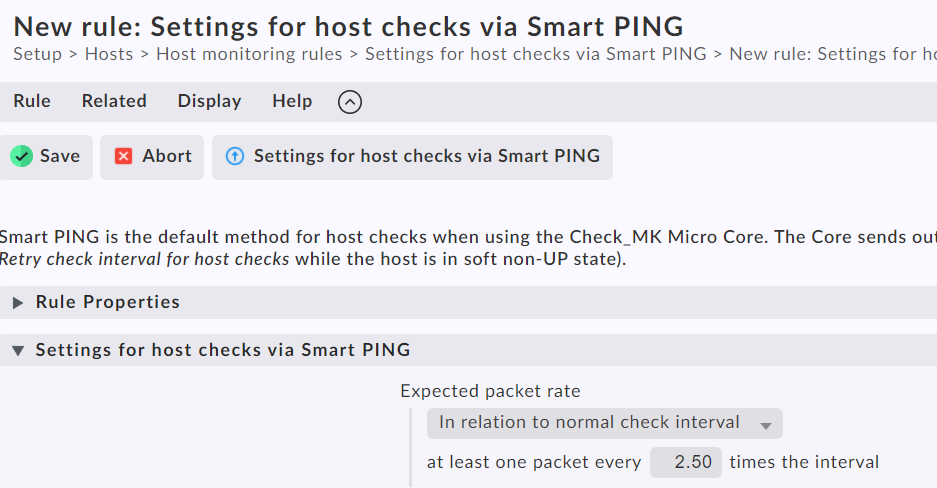
So, in the SmartPing rule for hosts on the WAN segment, I increased the timeout settings from 1500ms to 2000ms, since none of the “down” reports ever show excessive numbers (always <16.5s). The host is most definitely NOT down, because during a “down” time, I can still ping and interact with the host.
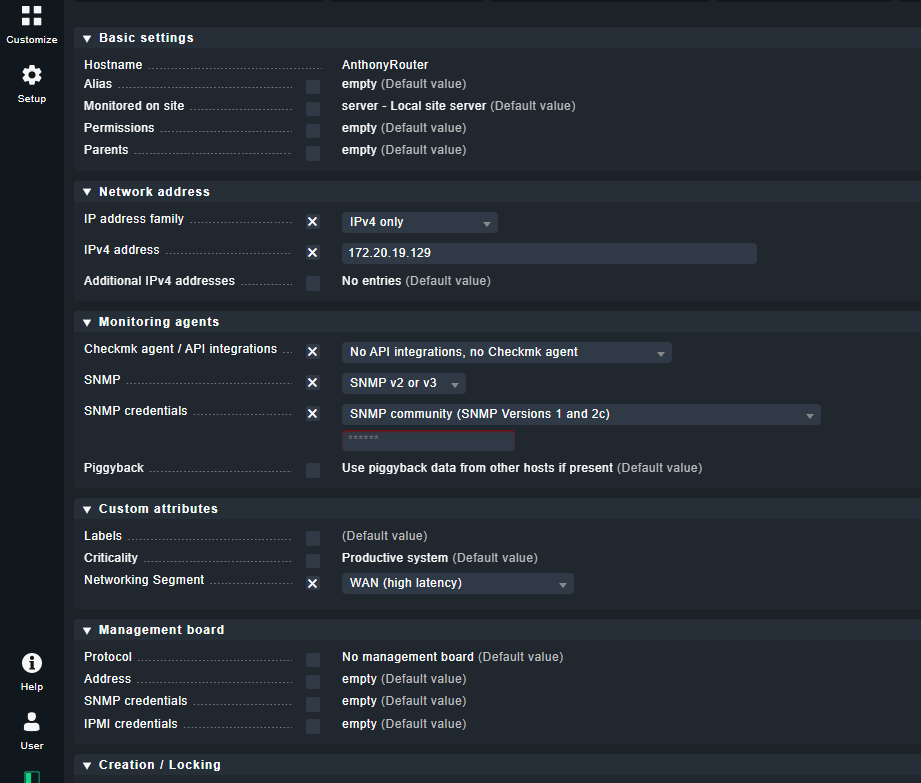
The hosts in question are pfSense firewalls, and from my reading, some firewalls will drop the SmartPing packets. So I am looking for two answers here:
- can I revert to a “regular” ICMP ping instead of SmartPing?
- why am I still seeing that the timeout is 15s in the notification when I have the rule set to 20?
Is there a way to generate a report of all rules that are applied to a given host, much like RSOP in Windows? This will allow me to see whether the rule is even applying, which it appears NOT to be.