cee 2.3.0p27
Ubuntu 22.04 lts
Hi everybody,
i´m currently stuck at an issue in my checkmk.
We are using checkmk for monitoring of our 36 pfsense-firewalls.
The monitoring is done via SNMPv2.
Since the 26 february we are facing an issue regarding performance data for a few of these firewalls.
Since then, checkmk is not able to provide any information for some ports of these firewalls.
It just shows an empty Perf-O-Meter with the following error message:
Could not compute rates for the following counter(s): in_octets: No time difference, in_ucast: No time difference, in_mcast: No time difference, in_bcast: No time difference, in_disc: No time difference, in_err: No time difference, out_octets: No time difference, out_ucast: No time difference, out_mcast: No time difference, out_bcast: No time difference, out_disc: No time difference, out_err: No time difference
The uptime did not change since the last check cycle. It is likely that no new data was collected.
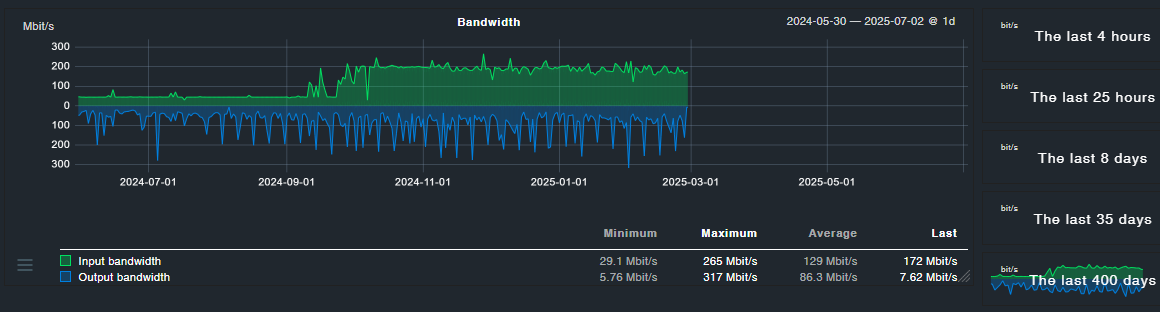
It seems that this error only occurs on the physical ports of those firewalls but not on any virtual port.
I already checked the log to see if there were changes made in the config of our sites on the specified day, which is not the case.
Also it does not seem to happen at any specific firewall version.
I even tried to delete a firewall and add it as a new host.
If someone can provide help that would be marvellous.
