thanks for help
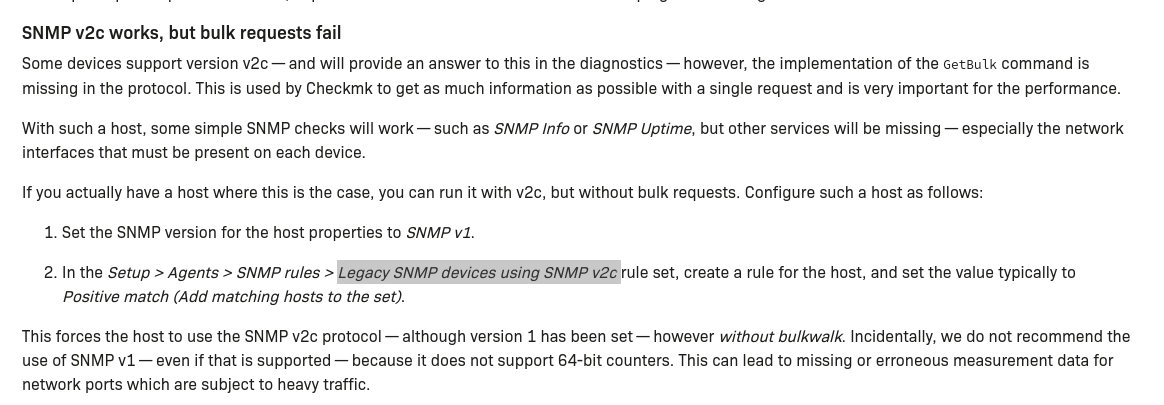
But I can’t make this timeout disappear. On the command line when I run a snmpwalk -v2c -c community_string HOST
the command runs for about 45 seconds… it shows me the OIDs and their correspondence… but suddenly I get a “timeout no response from host”
even if I put a -t option (to set a timeout to 20 seconds for example, it doesn’t change anything…
I think I succeeded!
I created a rule under Setup > SNMP Rules > Disabled or enabled sections (SNMP) where I excluded from discovery anything that was not “Forti”
I restarted discover on my host and it worked!
I will now have to test on the other Fortigate routers!
one last thing. If you configure administration addresses (for example to restrict access to the https interface from only certain IP addresses) you must add the address of the server which makes the SNMP requests to these administration addresses.
@keneichi
The topic is a bit older, but I have the same problem and a question about your solution.
I have similar problems that my instance only queries my Forti devices (switches and firewalls) very sporadically.
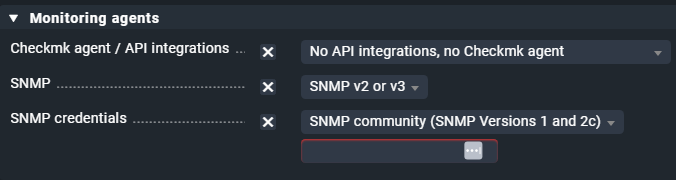
Unfortunately I don’t have the menu item you describe.
I have managed the switches via the firewall. Can you give me the CLI variant if necessary?
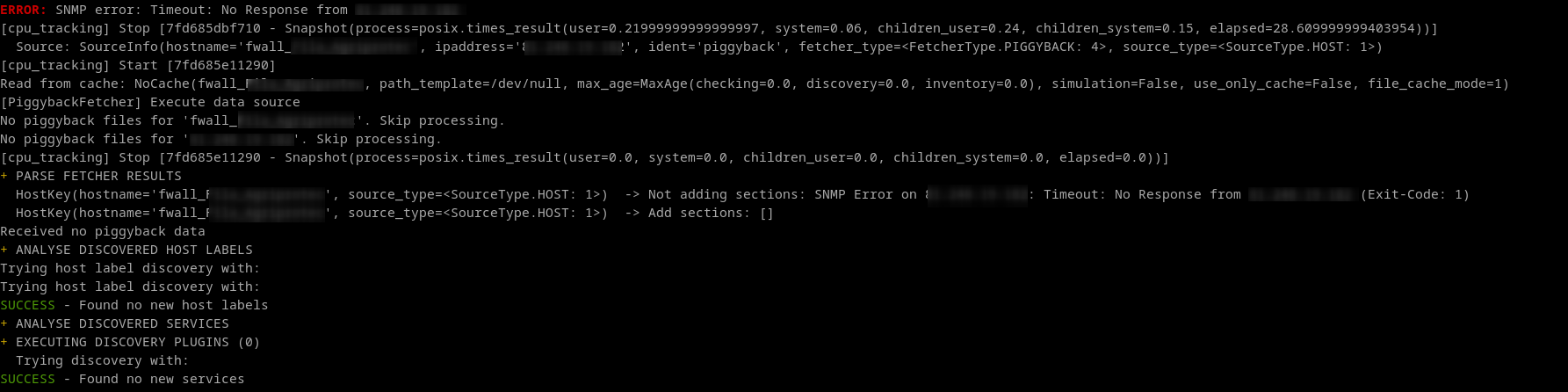
These are the errors that are displayed
Check_MK [snmp] IndexError('list index out of range')CRIT, [piggyback] Success (but no data found for this host), Missing monitoring data for all pluginsWARN, execution time 36.5 sec
Check_MK HW/SW Inventory	Open the action menu	No data yet, please be patient, [snmp] IndexError('list index out of range')WARN
Check_MK Discovery	Open the action menu	Services: all up to date, Host labels: all up to date, Parsing of section hr_mem failedWARN
This topic was automatically closed 365 days after the last reply. New replies are no longer allowed. Contact an admin if you think this should be re-opened.