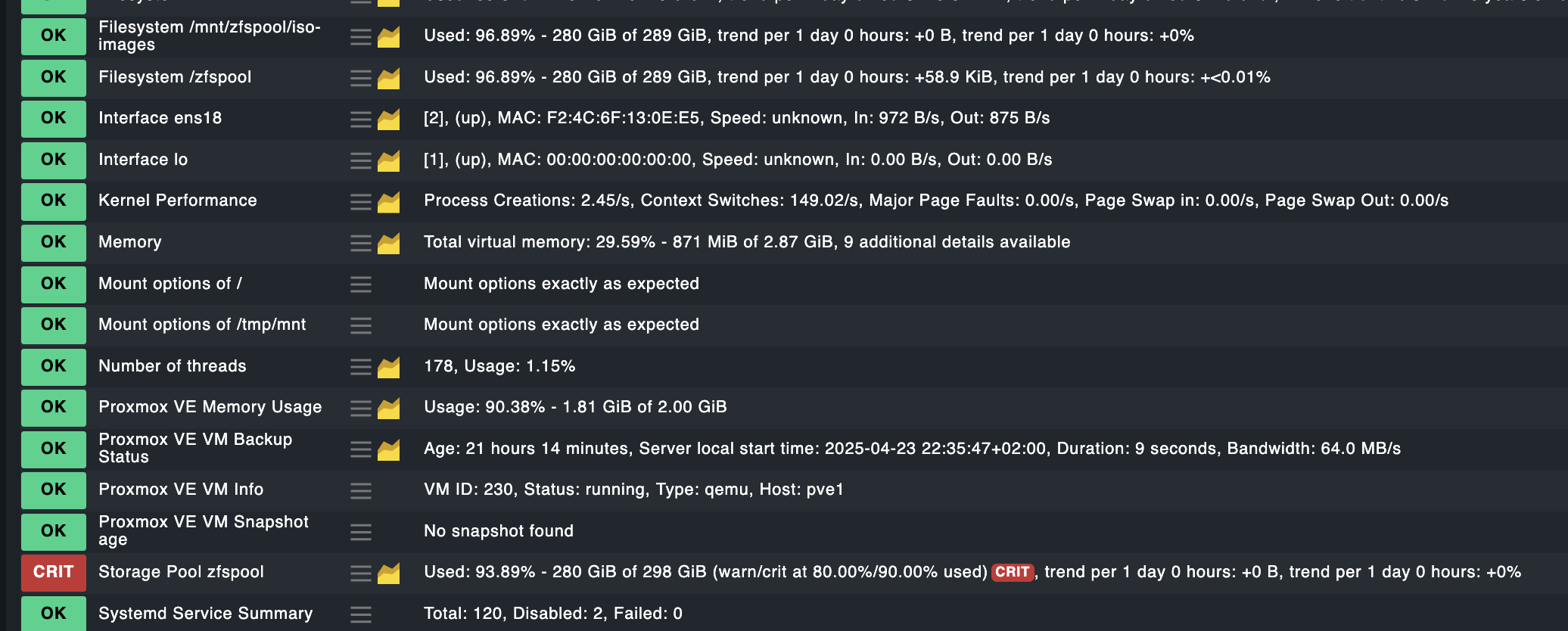
Storage Pool $POOLNAME adjust warnings?

hello,

i have some host with “zfspool” which gives a warning as it is above 80% fill level.

i could adjust the warning for the filesystem/mountpoint /zfspool - but how do i adjust the same for the pool itself ?

i don’t find an option to select.

when i choose “parameters for this service” i’m led to filesystem rules and cannot select the zfs pool there for adjustment/condition

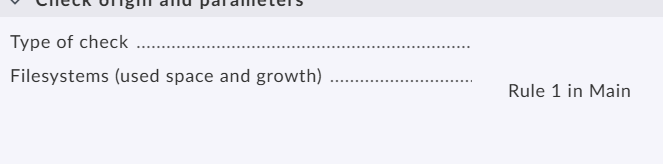
If you select the “parameters for this service” then you can create a rule
image
The storage pool is nothing else as a filesystem for Checkmk.
Adjust the levels to your need (i would recommend first to test the magic factor) and test the result.

yes, but if there are 2 pools, how can i differentiate between them?

there is no option to select the poolname as condition. only mountpoint.

but in zfs there is filesystem(=dataset), mountpoint and poolname , which are different things

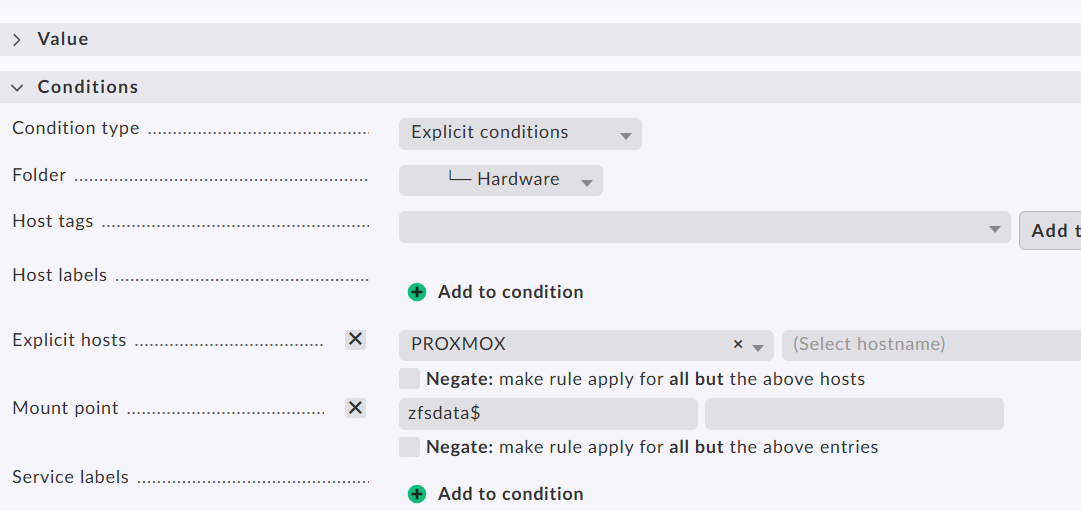
If yo u press the button “Add rule current host and mount point” you should get a pre-filled rule like this.


That’s all you need to do.

1 Like

sorry for the late reply. that worked, thank you.

not very intuitive that “datasetname$” below “mount point” is considered to be taken as a dataset - but good to know, that we can do it this way, thanks !

Hello!

If one of the answers helped you solve your question, please mark it as the solution. This way, you thank the person who helped you and also indicate that the question has been resolved. This, in turn, helps others who come across the same question.
Solution

Thank you!

1 Like

ok, i did. thanks for the pointer

1 Like