CMK version: - 2.3.0P18
OS version: - Ubuntu 24.04.1 LTS
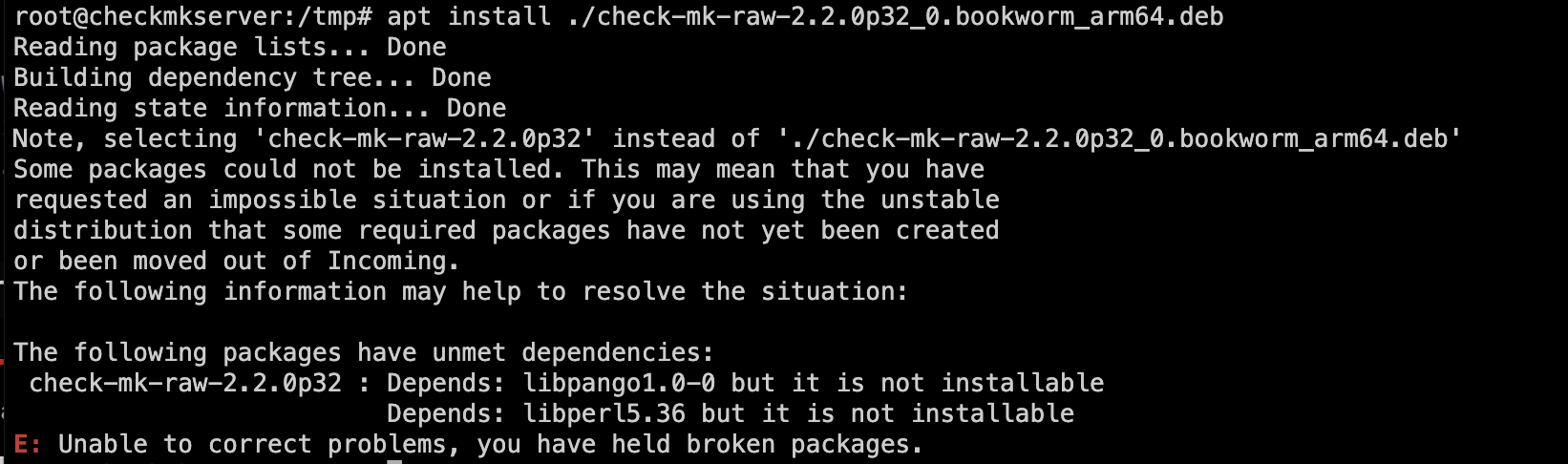
Error message: Unable to correct problems, you have held broken packages
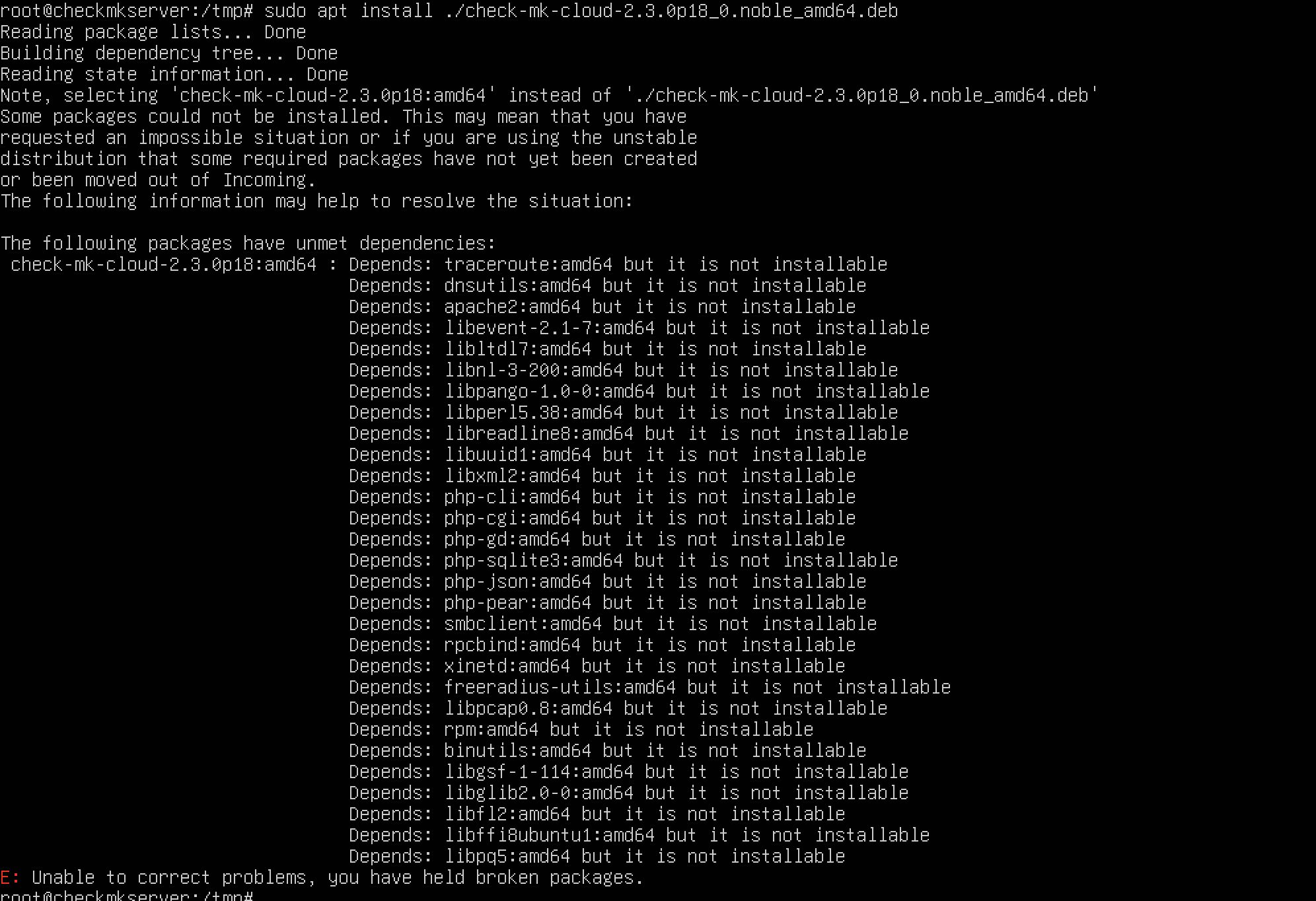
Uploaded Error screenshot, kindly advise.
CMK version: - 2.3.0P18
OS version: - Ubuntu 24.04.1 LTS
Error message: Unable to correct problems, you have held broken packages
Uploaded Error screenshot, kindly advise.
This package is only for x86/amd64 as you can see inside the package name.
There are no official builds for arm64 available.
On github you can find community builds for arm64
Thanks Andreas and Robert for your response.
I am facing below error to successfully install arm64 based check mk raw edition, could you please advise.
On what OS do you try to install the package.
The used package is for Debian 12 on arm64.
In your first post you used a package for Ubuntu 24.04.
I was trying to install package on below OS information,
Operating System: Ubuntu 24.04.1 LTS
Kernel: Linux 6.8.0-45-generic
Architecture: arm64
I will try install on Debian 12 on arm64
Thanks Andreas, I was able to successfully install check mk raw edition in my VM ( Debian 12 on arm64 ) but I am unable to access newly created check mk instance via browser on my Desktop. I tried to launch xdg-open on command line it is
root@checkmkdebian:/tmp# omd version
OMD - Open Monitoring Distribution Version 2.2.0p32.cre
root@checkmkdebian:/tmp# xdg-open https://checkmkdebian/central_site/
/usr/bin/xdg-open: 882: www-browser: not found
/usr/bin/xdg-open: 882: links2: not found
/usr/bin/xdg-open: 882: elinks: not found
/usr/bin/xdg-open: 882: links: not found
/usr/bin/xdg-open: 882: lynx: not found
/usr/bin/xdg-open: 882: w3m: not found
xdg-open: no method available for opening ‘https://checkmkdebian/central_site/’
I don’t know what you installed on your system. I would recommend to start the site and point the browser of your PC to the device with the created site.
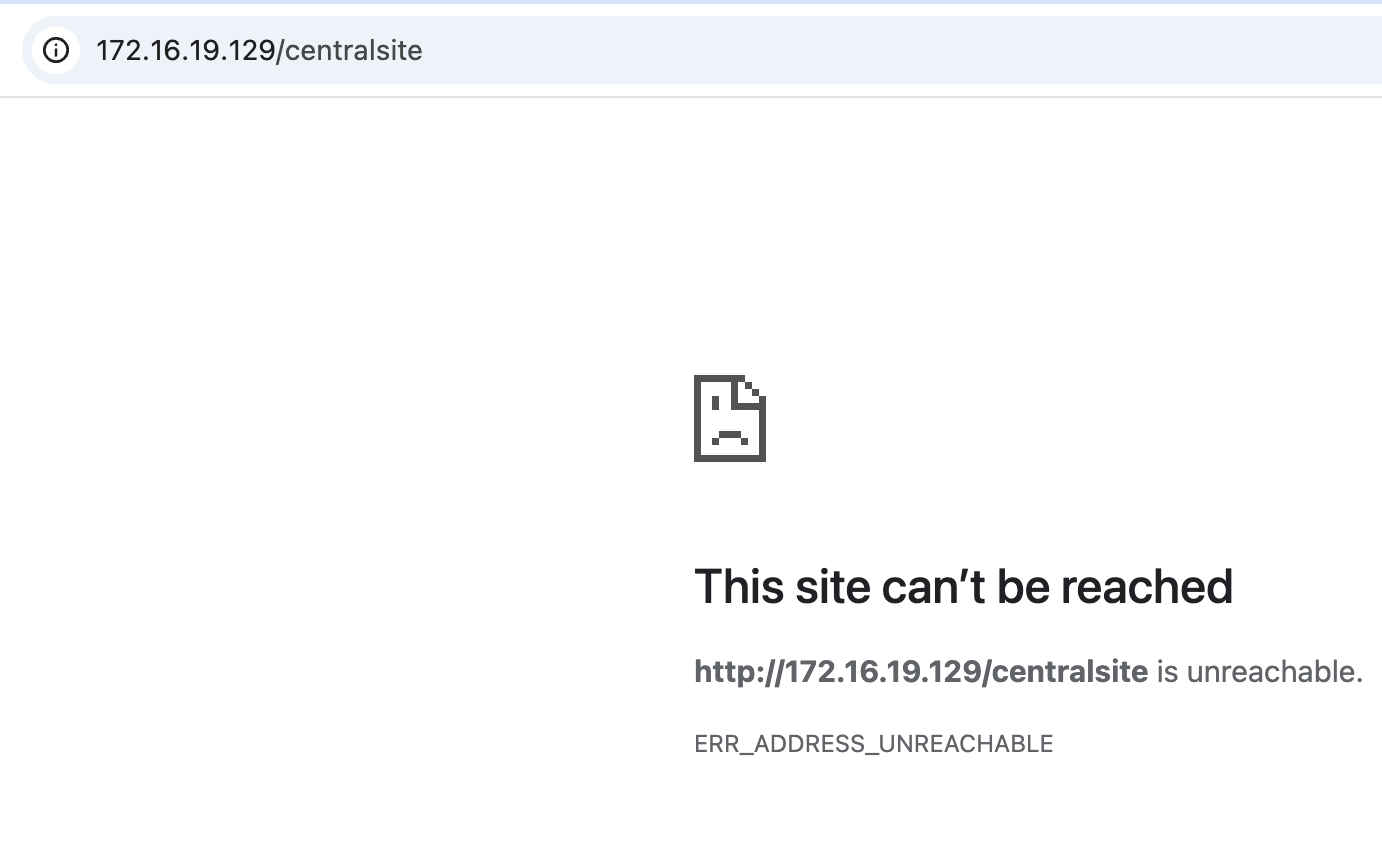
I started the site, the device is not reachable from my PC web browser but device is pingable from my PC.
Just FYI, First i created site name with central_site, later i removed it as it was not working ,so created new site with new name centralsite
If you don’t use the site name your local Apache should display the start page.
Any firewall active on this device?
Stopped firewalld service on this device still unable to reach out this device over browser
Then something on this system is not configured correctly.
If you system Apache is running you should see the Ubuntu/Apache start page.
It says incomplete Apache installation in site conf file, could you please advise
ErrorDocument 403 "
root@checkmkdebian:/opt/omd/apache# cat centralsite.conf
<Proxy http://127.0.0.1:5000/centralsite>
Order allow,deny
allow from all
<Location /centralsite>
# Setting “retry=0” to prevent 60 second caching of problem states e.g. when
# the site apache is down and someone tries to access the page.
# “disablereuse=On” prevents the apache from keeping the connection which leads to
# wrong devlivered pages sometimes
ProxyPass http://127.0.0.1:5000/centralsite retry=0 disablereuse=On timeout=120
ProxyPassReverse http://127.0.0.1:5000/centralsite
<IfModule !mod_proxy_http.c>
Alias /centralsite /omd/sites/centralsite
<Directory /omd/sites/centralsite>
Deny from all
ErrorDocument 403 “
<Location /centralsite>
ErrorDocument 503 “
Are the mentioned modules loaded in your Apache config?
This looks more like a problem with your system Apache than a CheckMK problem.
Normally these are all dependencies of the installed deb package.
could you please guide how to check whether these modules loaded in Apache config
→ https://ubuntu.com/server/docs/how-to-use-apache2-modules
→ Apache - Debian Wiki
Please use a supported platform then these problems will not happen.
This topic was automatically closed 365 days after the last reply. New replies are no longer allowed. Contact an admin if you think this should be re-opened.