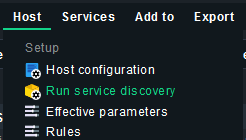
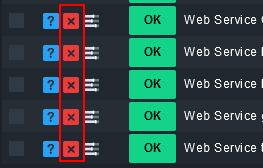
I installed the Windows agent for the first time to test.
It found that several defunct websites as ‘not running’ and WARNs on those.
Is there a way that I can just remove those/that warning, etc… without having them stick around as ‘acknowledged problems’ but not disable it so much that if another site is stopped it does not warn?
(If yes, please include pretty specific clicks, I am very novice at checkmk.)
Thank you.
2.2.0p1 (raw)
Ubuntu 22.04.2 lts
Unmonitored service: wmi_webservices: Web Service Default Web Site
This topic was automatically closed 365 days after the last reply. New replies are no longer allowed. Contact an admin if you think this should be re-opened.