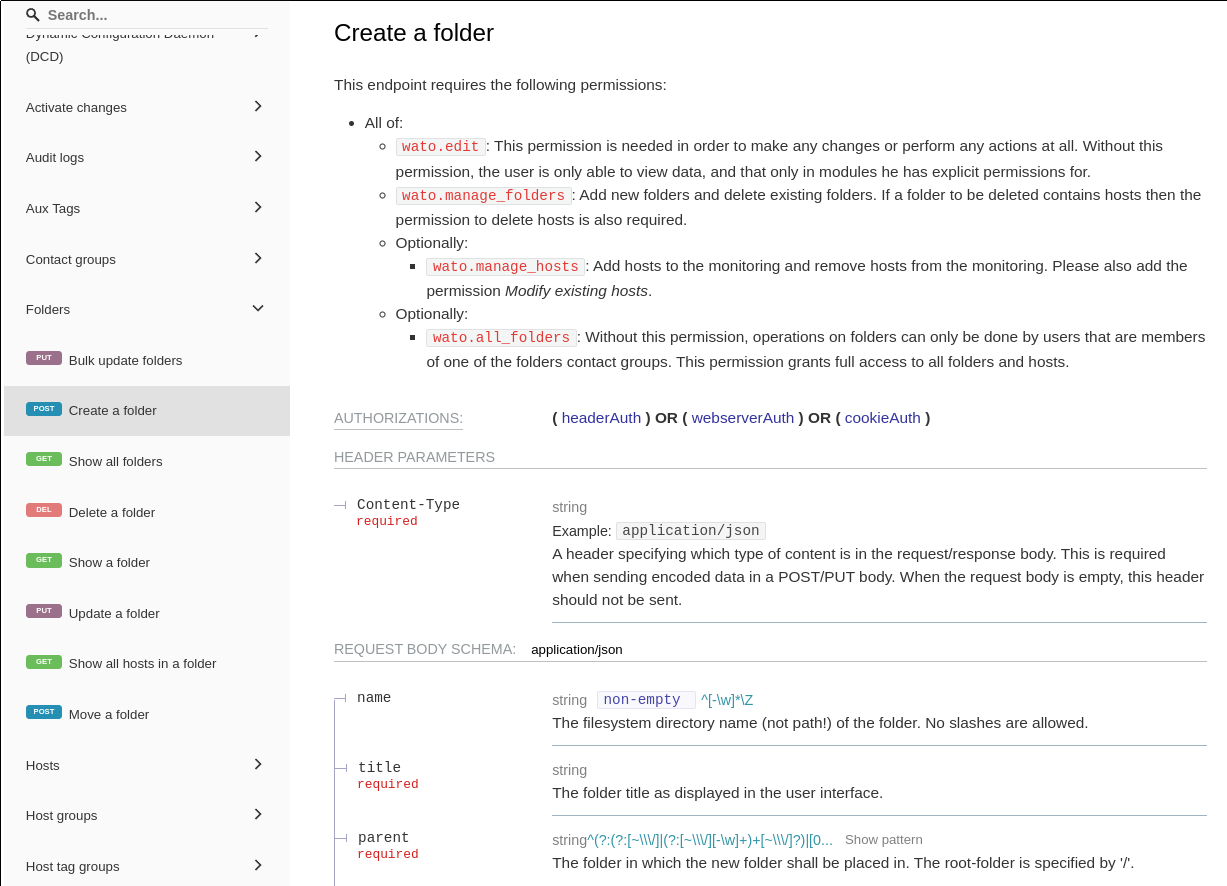
Just a heads up. If you use the API to add a host to a folder, the name/path to the folder can be different than the current name of the folder!!
If a folder get renamed, it old name is still used as ID (see the url in you browser when setup → hosts → your folder). You have to use this old name, not the current name.
After replacing all to lowercase, replacing spaces to underscore this was kind of “unpleasant” …
And, as expected, non of this is documented anywhere …
But admittedly the API method for moving a host to a different folder does only talk about the folder’s name without explicitly mentioning this difference.
In my opinion this is really bad behavior, as it is not always transparent to the user and everyone using the API gets confused. Sure, you can look it up in the URL or in the filesystem, but you must be aware of that. And, second point which makes it even worse, for automation tasks you cannot rely on the folder name you see in the UI, that caused a lot of headaches for us here… We built some automation where users can just add simple toml files to folders and the automation creates and configures the hosts but if you move / rename folders the pain starts and the automation folder name does not match the name in the UI anymore.
This topic was automatically closed 365 days after the last reply. New replies are no longer allowed. Contact an admin if you think this should be re-opened.