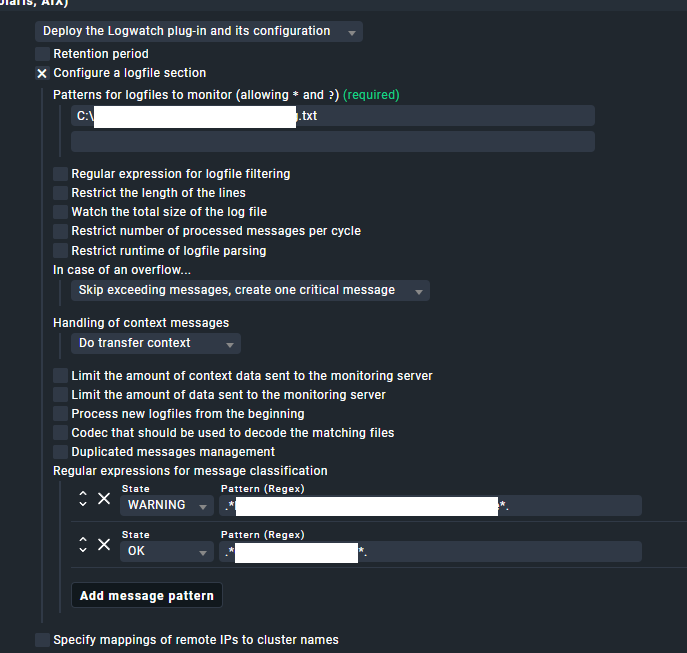
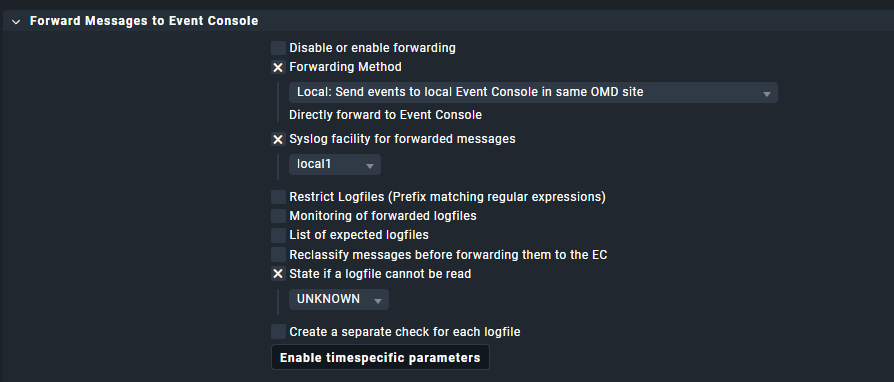
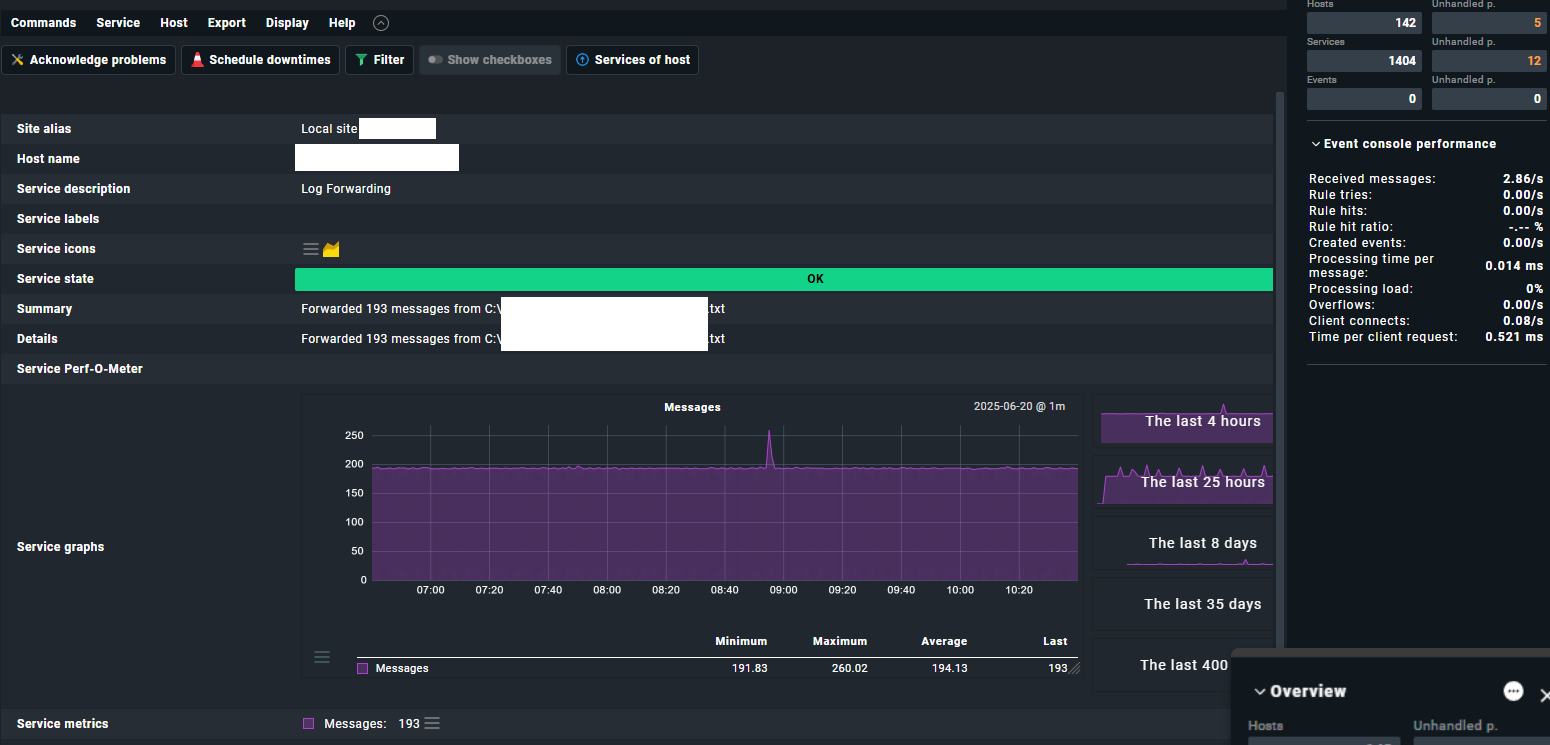
I have been attempting to set up a logwatch configuration on two Windows hosts, one is Windows Server 2022, and one is Windows 11. I have followed the guide in this YouTube video: Monitoring Windows Event Log and Custom Log Files with Checkmk #CMKTutorial, however, the Log Forwarding service on the host shows “Forwarded 0 messages”. I have checked and my regex is correct for the lines in the logfile I am looking for, which is a .txt file.
Is there a step I am missing? Here are some screenshots:
Followup question… As I set the rule to have a rule for “OK” and “WARNING”, how can I set up a service for this? Or failing that, any way I can have some sort of visual indicator when it occurs aside from the “Forwarded messages from” view? Thanks
As you now have the events in the event console you can classify them there and you can use the rule “Forward Notification to Event Console” to add a service per host, showing status of the most critical event of the host.
you need to define rules under Setup/Events/Event Console to define what log messages are critial/warning etc. You can also define things like messages that revert a status back to Ok or a number of messages needed to be received for it to be critical and many more