Thanks for pointing me in the right direction to get that fixed. I have a couple dozen iDrac9 systems that I’ll be changing over to redfish in the next week or two.
Forgot one question. Are iDrac 8’s slow enough to make it unusable or will the latest firmware on them speed things up to be reasonably resposive? I’ve got quite a few Dell servers with iDrac 8 in them.
That really depends on the system. I have iDRAC 8 working without problem and some other that are slow. It is possible that this is different from model to model.
Got the rule working nicely. Currently I’m adding hosts explicitly to the rule. Is there a way to assign the rule to a folder so when a host gets defined in that folder or moved into it the redfish check will automatically happen?
sure, in the conditions of almost all rules in checkmk you can use folders, tags, labels, hostnames and hostnames with regex.
So you can create a folder management-boards, configure the agent settings to api/no-agent on the folder and then set the redfish rule to that folder.
Afterwards you can then just add your management boards to that folder and discover them
To add the local monitoring users to the management boards you also can use their api, dependent on the amount of hosts, you want to add. (out of scope for checkmk itself)
@aeckstein assigning the rule to the folder is where I’m getting stuck. I don’t see that option for the folder. In the rule I selected the folder under the Conditions but I’ve added a handful of redfish hosts to the folder and they never get checked via redfish until I assign them as explicit hosts under the rule.
@martin.schwarz That was the trick, thanks. Inventoring hosts that are in that folder now use the ProgramFetcher for redfish. That takes out one step in migrating my systems.
I am noticing quite a few network interfaces being flagged as in a warning state. Their service summary shows:
Link: Unknown, Speed: 0Mbps, MAC: xx:xx:xx:xx:xx:xx, Component State: Normal, This resource is enabled but awaits an external action to activate it.WARN
The only thing actually wrong here is that interface isn’t in use so there’s no cable attached. How can I get that either ignored or get it to realize it’s not hooked up so link unknown and zero speed is okay?
I don’t know if you can set this interface inside the management to some other state.
The link state and speed is not relevant for the check. The warning comes from state if this device → StandbyOffline
Now my question how would you interpret this state?
What is possible for future versions is a general rule to rewrite all Redfish states.
As an example the following is the complete state table.
string
Description
Monitoring State
Absent
This function or device is not currently present or detected. This resource represents a capability or an available location where a device can be installed.
WARN
Deferring (v1.2+)
The element does not process any commands but queues new requests.
OK
Disabled
This function or resource is disabled.
WARN
Enabled
This function or resource is enabled.
OK
InTest
This function or resource is undergoing testing, or is in the process of capturing information for debugging.
OK
Qualified (v1.9+)
The element quality is within the acceptable range of operation.
OK (missing in agent at the moment)
Quiesced (v1.2+)
The element is enabled but only processes a restricted set of commands.
OK
StandbyOffline
This function or resource is enabled but awaits an external action to activate it.
WARN
StandbySpare
This function or resource is part of a redundancy set and awaits a failover or other external action to activate it.
OK
Starting
This function or resource is starting.
OK
UnavailableOffline (v1.1+)
This function or resource is present but cannot be used.
WARN
Updating (v1.2+)
The element is updating and might be unavailable or degraded.
WARN
This problem should now be fixed with 2.2.31 and 2.3.31. 2.1.31 is coming the next days.
All files are available on github and on exchange after review.
One sad thing for @martin.hirschvogel - the exchange don’t accept packages build for 2.3
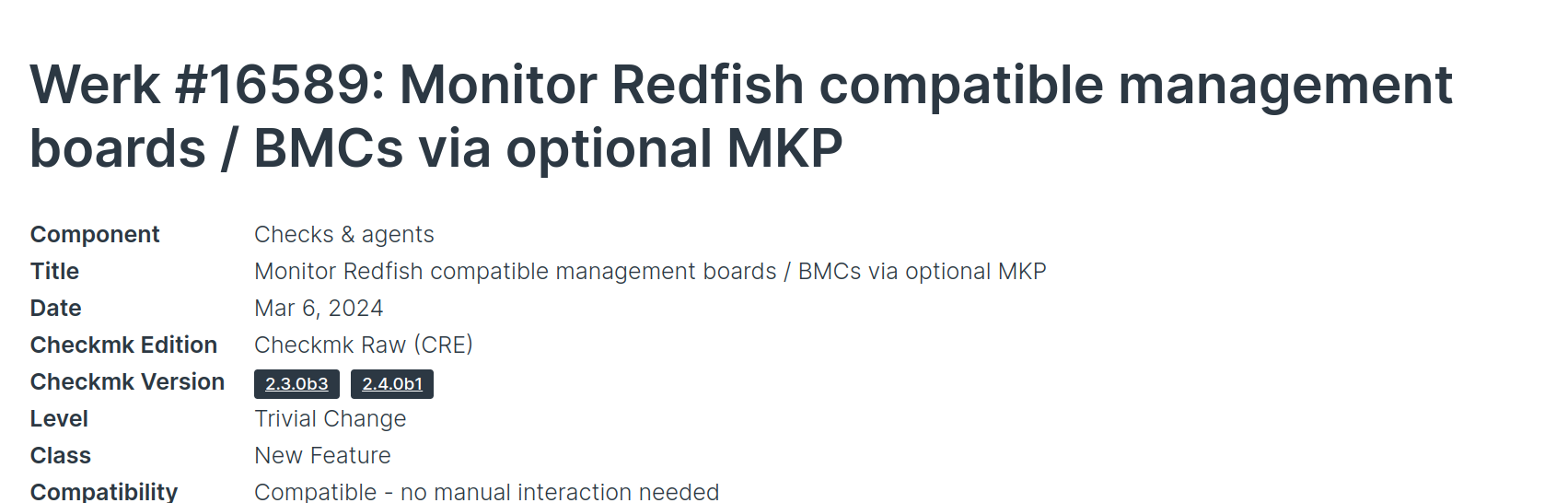
“You can now monitor Redfish compatible management boards / BMCs with Checkmk. To do so, please enable the natively shipped MKP redfish in Setup → Extension packages (in commercial editions of Checkmk) or via the command line tool mkp (in Checkmk Raw). This will enable a new datasource program under Setup → Other integrations → Redfish Compatible Management Controller . This is an experimental integration created by the Checkmk community (Andreas Döhler from Bechtle), which has already been tested in many environments. However, due to the diverse nature of server hardware, we plan to integrate it entirely for Checkmk 2.4.0, once we have gathered further feedback.”
The Redfish Python package is now also shipped with Checkmk and dependency management is done from our side thus as well. This is especially helpful for appliance users (@rprengel)
This sounds like an install of check-mk-raw-2.2.0p23-el8-38.x86_64.rpm will have everything needed to start using redfish. But I’m looking at the Other Integrations and redfish doesn’t show up. Is it just for 2.3 systems?
Implementation of redfish worked so far, but I don’t get any the informationen about the drives.
I’m trying it with an HP Proliant DL380 Gen10 Plus and ILO 5 3.00. I’m using CheckMK 2.2.0p24 and HP ILO Restful API Checks “4.0.0”. Also with the redfish restful API Checks “2.2.31” I don’t get any informations about the drives.
cmk -vII Hostname:
+ FETCHING DATA
[ProgramFetcher] Execute data source
[PiggybackFetcher] Execute data source
No piggyback files for 'Hostname'. Skip processing.
No piggyback files for 'IP'. Skip processing.
+ ANALYSE DISCOVERED HOST LABELS
SUCCESS - Found 1 host labels
+ ANALYSE DISCOVERED SERVICES
+ EXECUTING DISCOVERY PLUGINS (9)
  1 checkmk_agent
  1 ilo_api_cpu
  6 ilo_api_fans
  1 ilo_api_general
  1 ilo_api_mem
  2 ilo_api_power
  1 ilo_api_power_metrics
 27 ilo_api_temp
SUCCESS - Found 40 services
cmk --debug -v Hostname
+ FETCHING DATA
[ProgramFetcher] Execute data source
[PiggybackFetcher] Execute data source
No piggyback files for 'Hostname'. Skip processing.
No piggyback files for 'IP'. Skip processing.
Check_MK Agent       Version: 5, OS: iLO 3.00
General Status ProLiant DL380 Gen10 Plus Operational state OK - BIOS U46 v1.80 (07/05/2023) -  Serial Number
HW CPU 1             Operational state OK - 1 CPU of Type Intel(R) Xeon(R) Silver 4309Y CPU @ 2.80GHz
HW Fan 1             Operational state OK - 13% Speed
HW Fan 2             Operational state OK - 13% Speed
HW Fan 3             Operational state OK - 13% Speed
HW Fan 4             Operational state OK - 13% Speed
HW Fan 5             Operational state OK - 13% Speed
HW Fan 6             Operational state OK - 13% Speed
HW Mem proc1dimm14   Operational state OK - Type DDR4 - Size 32768 MB
HW PSU 1             Operational state OK - 37 Watts
HW PSU 2             Operational state OK - 68 Watts
HW PSU Metric        Overall power consumption 105 Watts from available 1600 Watts
Temperature 01-Inlet Ambient Temperature: 21.0 °C, Device levels: 42.0°C - 46.0°C
Temperature 02-CPU 1 Temperature: 40.0 °C, Device levels: 70.0°C - 70.0°C
Temperature 06-P1 DIMM 9-16 Temperature: 34.0 °C, Device levels: 85.0°C - 85.0°C
Temperature 12-VR P1 Temperature: 39.0 °C, Device levels: 110.0°C - 115.0°C
Temperature 14-VR P1 Mem 1 Temperature: 28.0 °C, Device levels: 110.0°C - 115.0°C
Temperature 15-VR P1 Mem 2 Temperature: 29.0 °C, Device levels: 110.0°C - 115.0°C
Temperature 18-Chipset Temperature: 40.0 °C, Device levels: 100.0°C - 100.0°C
Temperature 19-BMC   Temperature: 63.0 °C, Device levels: 110.0°C - 115.0°C
Temperature 20-HD Max Temperature: 40.0 °C, Device levels: 60.0°C - 60.0°C
Temperature 22-Stor Batt Temperature: 22.0 °C, Device levels: 60.0°C - 60.0°C
Temperature 23-E-Fuse Temperature: 26.0 °C, Device levels: 100.0°C - 100.0°C
Temperature 24-P/S 1 Temperature: 40.0 °C, Device levels: 0.0°C - 0.0°C
Temperature 25-P/S 1 Inlet Temperature: 28.0 °C, Device levels: 0.0°C - 0.0°C
Temperature 26-P/S 2 Temperature: 40.0 °C, Device levels: 0.0°C - 0.0°C
Temperature 27-P/S 2 Inlet Temperature: 26.0 °C, Device levels: 0.0°C - 0.0°C
Temperature 32-Board Inlet Temperature: 23.0 °C, Device levels: 60.0°C - 60.0°C
Temperature 33-BMC Zone Temperature: 38.0 °C, Device levels: 90.0°C - 95.0°C
Temperature 34-P/S 2 Zone Temperature: 25.0 °C, Device levels: 90.0°C - 95.0°C
Temperature 35-I/O Zone Temperature: 28.0 °C, Device levels: 90.0°C - 95.0°C
Temperature 36-Battery Zone Temperature: 27.0 °C, Device levels: 90.0°C - 95.0°C
Temperature 37.1-PCI 1-I/O controller Temperature: 68.0 °C, Device levels: 110.0°C - 115.0°C
Temperature 38-PCI 1 Zone Temperature: 38.0 °C, Device levels: 90.0°C - 95.0°C
Temperature 39.1-PCI 2-Communication Channel Temperature: 68.0 °C, Device levels: 110.0°C - 115.0°C
Temperature 40-PCI 2 Zone Temperature: 39.0 °C, Device levels: 90.0°C - 95.0°C
Temperature 41.1-PCI 3-Communication Channel Temperature: 68.0 °C, Device levels: 110.0°C - 115.0°C
Temperature 42-PCI 3 Zone Temperature: 39.0 °C, Device levels: 90.0°C - 95.0°C
Temperature 58-CPU 1 PkgTmp Temperature: 46.0 °C, Device levels: 0.0°C - 0.0°C
No piggyback files for 'Hostname'. Skip processing.
No piggyback files for 'IP'. Skip processing.
[special_ilo] Success, [piggyback] Success (but no data found for this host), execution time 2.6 sec | execution_time=2.600 user_time=0.000 system_time=0.000 children_user_time=0.360 children_system_time=0.060 cmk_time_ds=2.170 cmk_time_agent=0.000
I had a similar issue yesterday and andreas found the root cause (HPE doing things) and already updated the redfish packet with a fix for that problem :