Release OrbVis 0.4.1 is now out for testing.
Why a point release?
0.4.1 is all about polish and reliability on top of 0.4.0. There’s no big new headline feature to learn — instead it’s a solid round of fixes that make everyday use smoother: actions land where they should, the live view recovers on its own, large sites stay snappy, and boards read cleanly in both light and dark mode. If you’re already on 0.4.0, this is a safe, low-risk update.
What’s better?
Commands you can trust in distributed setups
Acknowledgements and downtimes now always reach the site the host actually lives on — no more actions quietly going to the wrong place. What you see and what you act on stay in sync, and in replicated setups, activating changes no longer disturbs the running OrbVis service.
A live view that heals itself
If the connection hiccups, the board now reconnects on its own instead of getting stuck waiting. And when something odd happens on the wire, it’s noted in the log rather than silently swallowed — so issues are easier to track down.
Stays fast on large sites
On big installations the host search no longer tries to pull in every hostname at once. It stays responsive even with tens of thousands of hosts.
Flow board
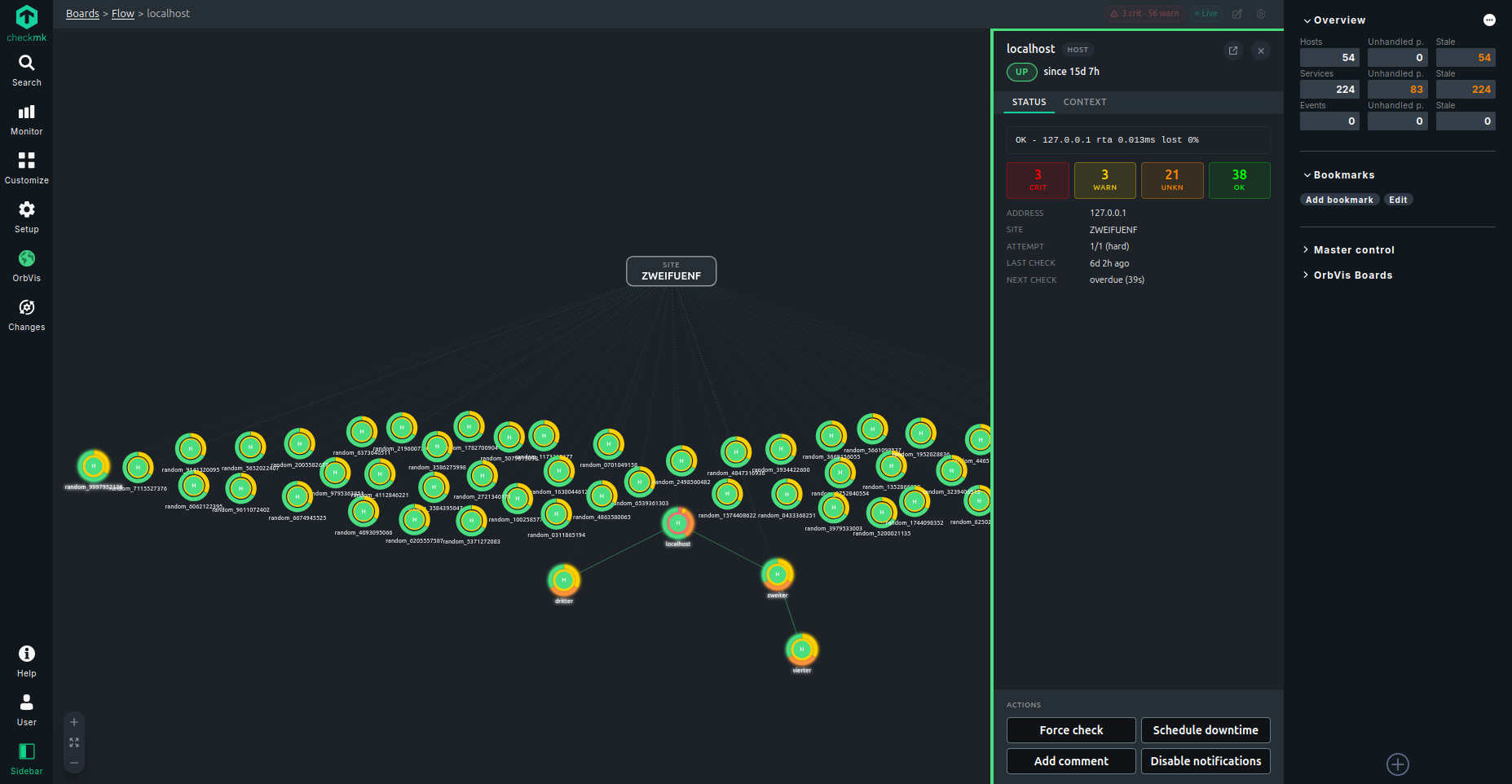
Nodes now carry the familiar acknowledged / in-downtime / notifications-off markers, like the rest of the boards. Next check and “overdue” update live instead of needing a page reload, and the detail drawer and hover tooltip stay current while they’re open. Layouts no longer break or disappear in edge cases, the “showing top N” hint can be dismissed and stays clear of the zoom controls, and the search filters behave as you’d expect.
Easier on the eyes (light & dark)
Tooltips, gauges, graph panels, the search bar and various labels all stay readable in both themes. Board icons keep their contrast on any background, and there are 12 new built-in icons for common kit (switch, load balancer, Docker, firewall, mail, …).
Smoother editing
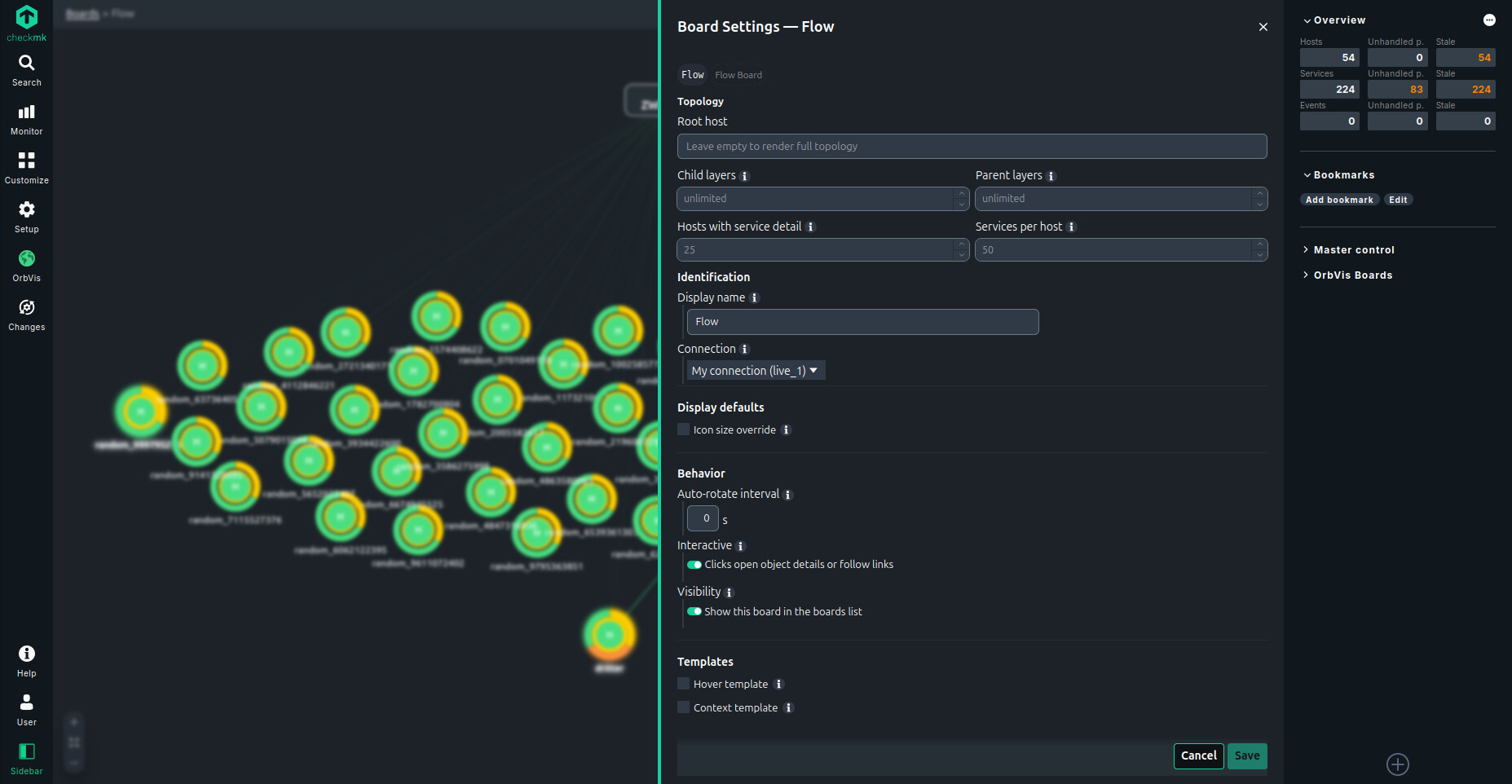
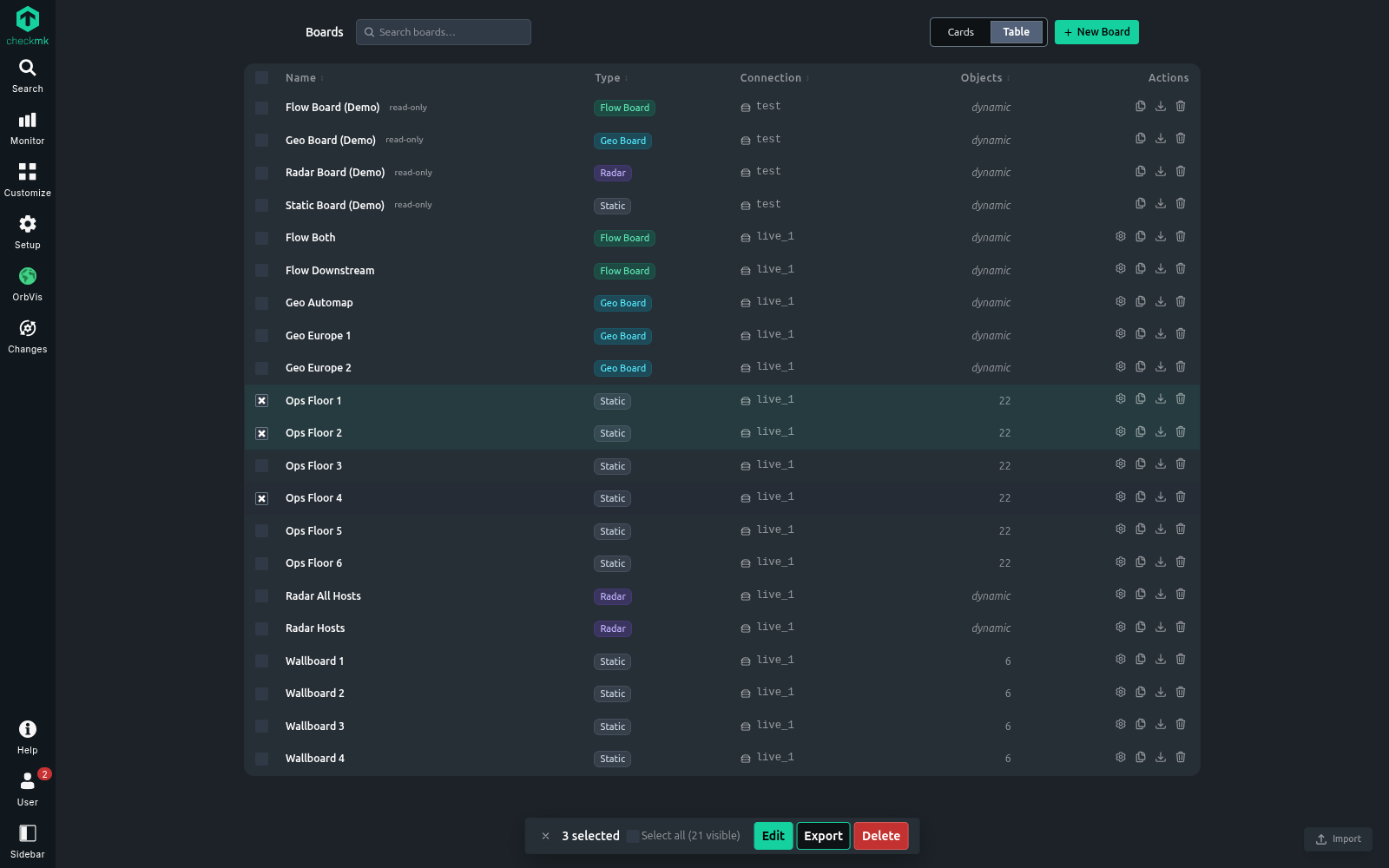
Background images preview live before you save, the size field shows the right default, and you can no longer accidentally create two boards whose names differ only in capitalization.
Login & safety
Users with Checkmk two-factor authentication can no longer get in with just a password, and the bundled dependencies were refreshed.
A quiet preview: the Folder board
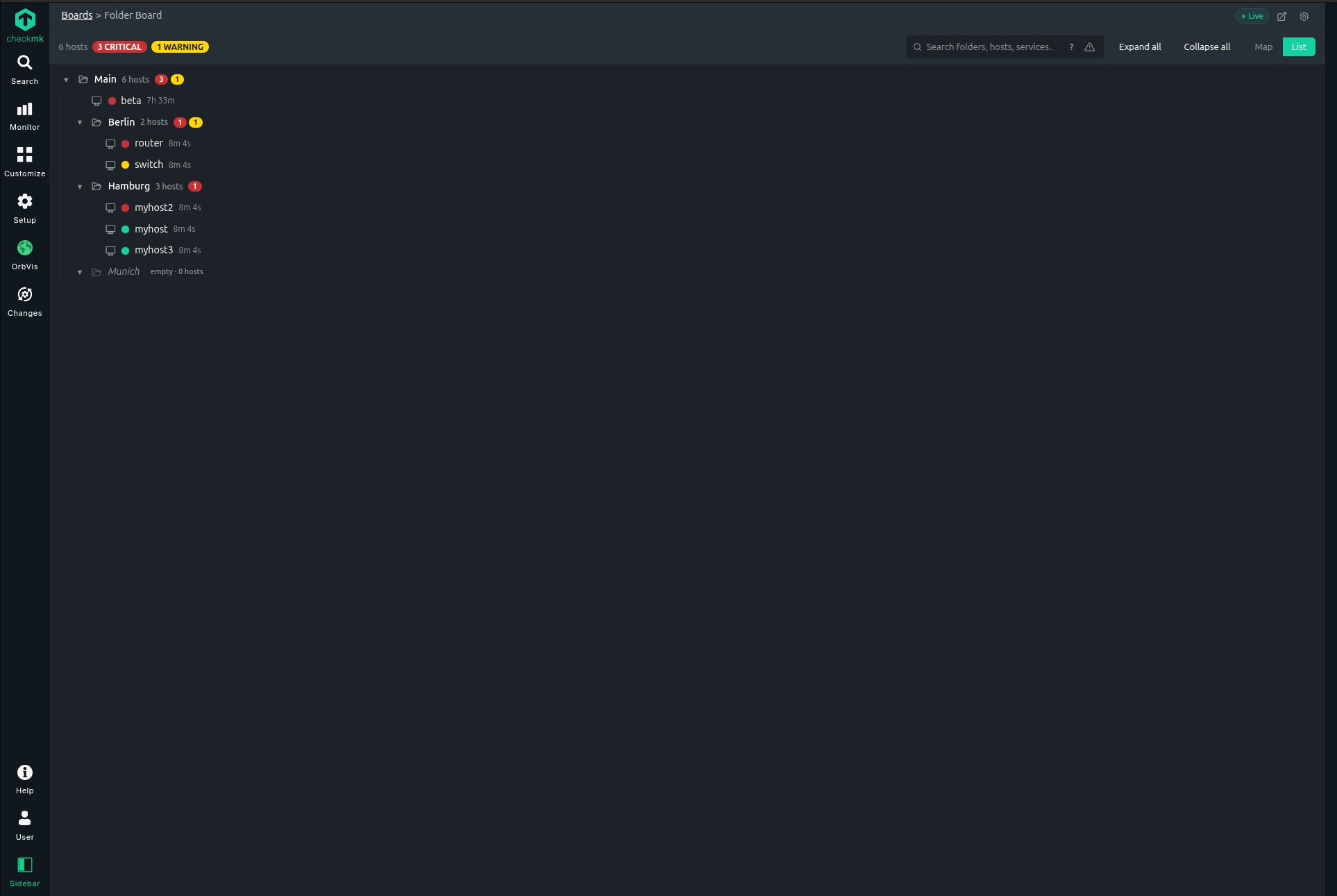
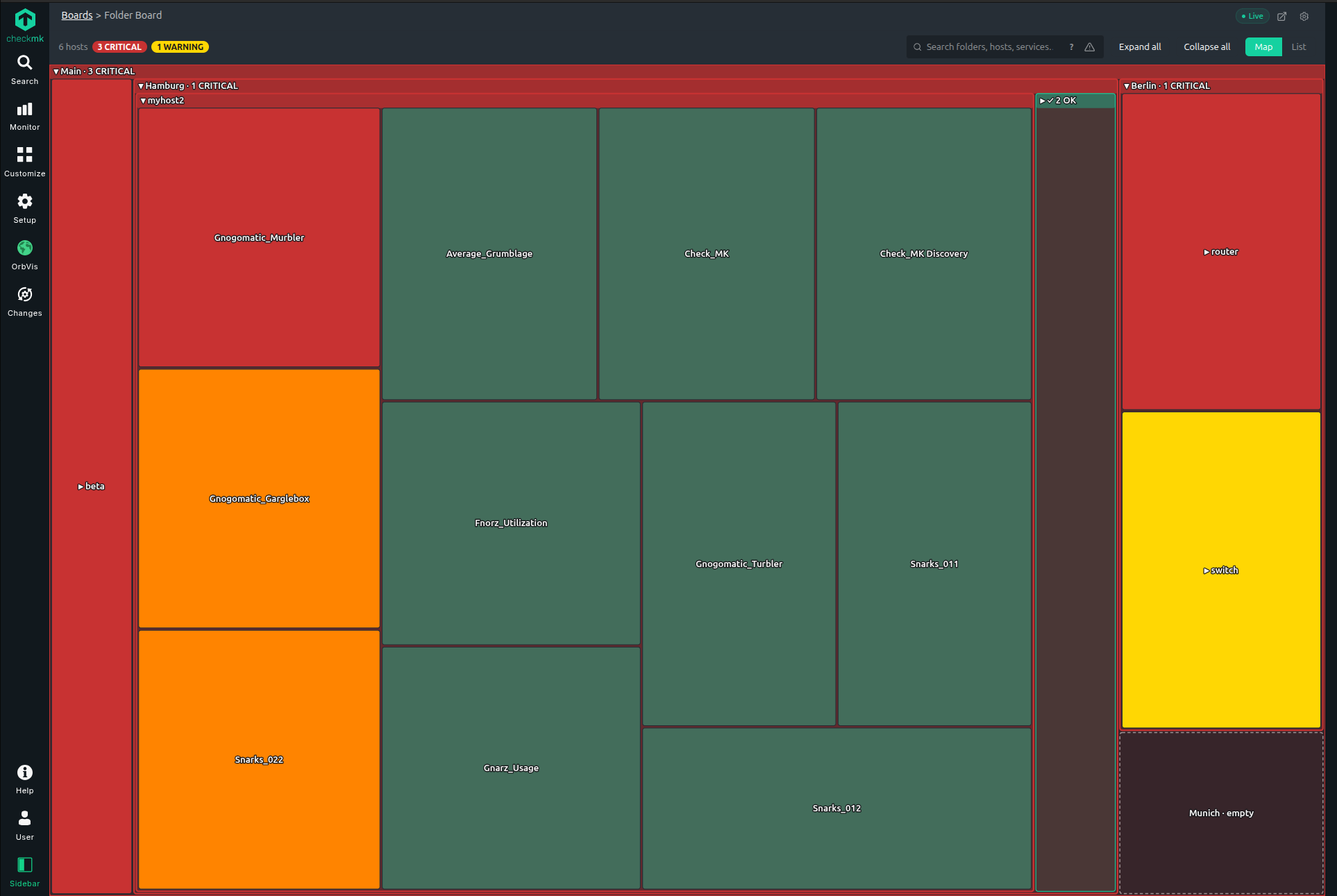
0.4.1 also includes an early, opt-in Folder board — a board that builds itself from your Checkmk SETUP folder structure and rolls the worst status up the tree, so a single glance tells you where the trouble is. It’s experimental and off by default; flip it on under System Settings → Features if you’d like to try it. Early feedback is very welcome — a proper write-up will follow once it’s ready.
How to update?
OMD[SITENAME]:~$ orbvis-setup uninstall && mkp disable orbvis && mkp remove orbvis && mkp add /tmp/orbvis-cmk-2.X.mkp && mkp enable orbvis && orbvis-setup
or
via extension packages
- upload
- disable v.0.4.0
- enable v.0.4.1
- “orbvis-setup” as site user on command line
 in both cases Ctrl+Shift+R might be needed in the browser
Where can I find it?
As always, feedback welcome in this thread.

 in both cases Str+Shift+R might be needed in the browser
 .
.

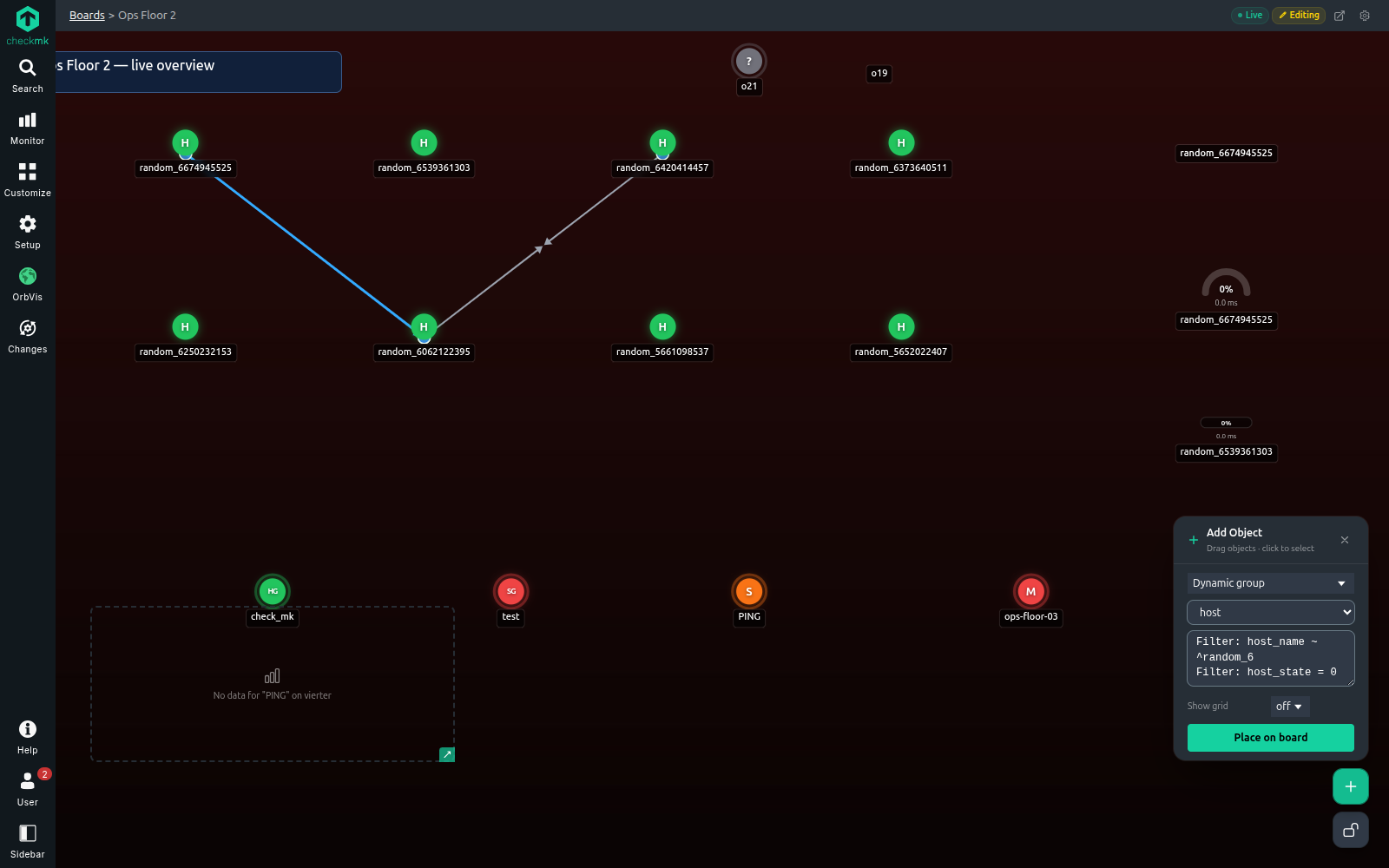
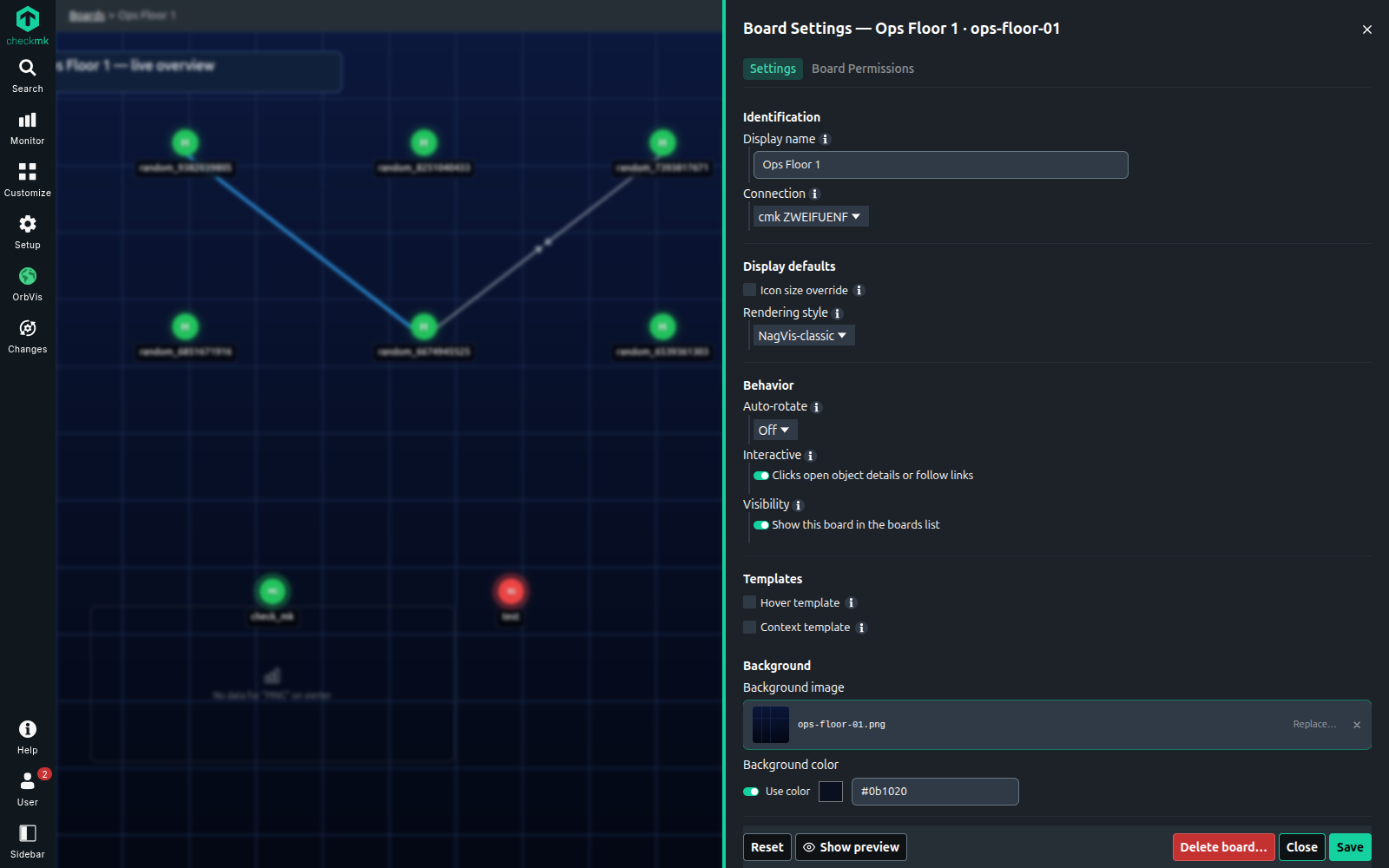
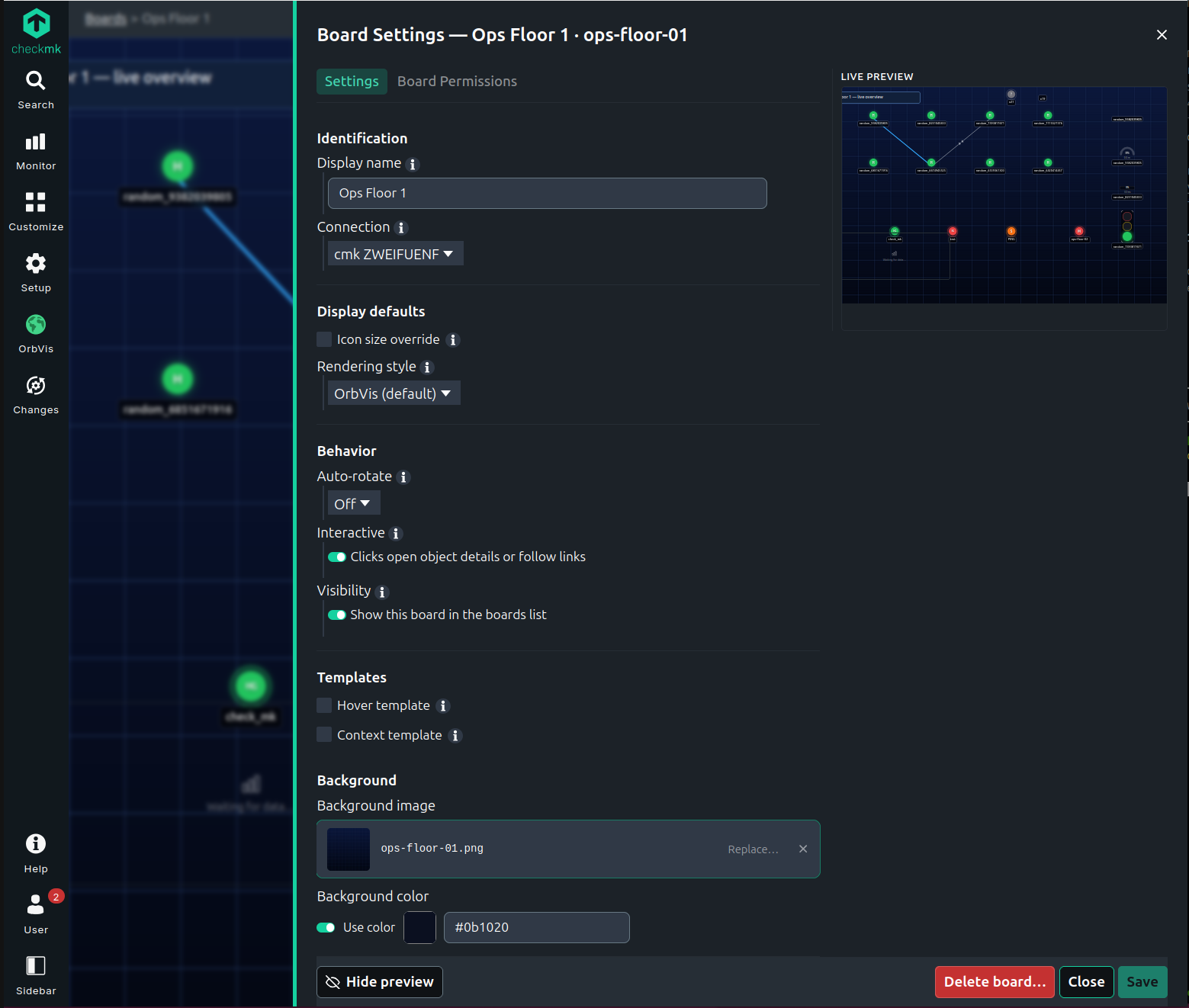
 But the background still it looks stretched in OrbVis compared to NagVis.