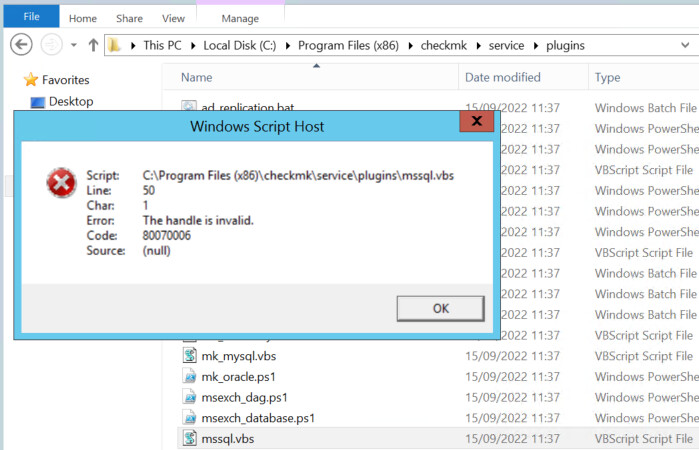
Re-installed again and now getting this error:

Even though I used the relevant download file and the other server that uses it is working ok.
Re-installed again and now getting this error:
Even though I used the relevant download file and the other server that uses it is working ok.
You need to re-register the agent updater on this host. A new host secret will be generated then.
I’ve done this a number of times
so this error is now gone, but like before it’s not picking up all of the services. I’ve copied the mssql.vbs into the directory:
mssql is in this location:
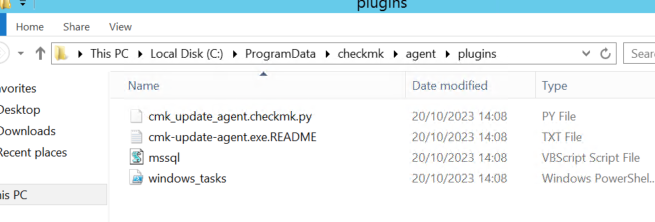
I removed the host from checkmk, uninstalled the agent, re-installed the agent and re-added to checkmk, registered the host and registered for updates. Confirmed mssql.vbs is in the correct locations.
Still it is only discovering 58 services (there should be about 600!
Please help!
I just keep getting issues with two SQL servers:
The top one was working fine showing all services, now it’s not and connection is gone?
Second one fully re-installed and brought back into checkmk and still won’t find all services:
And I used the correct MSI from agent update area and registered the host again.
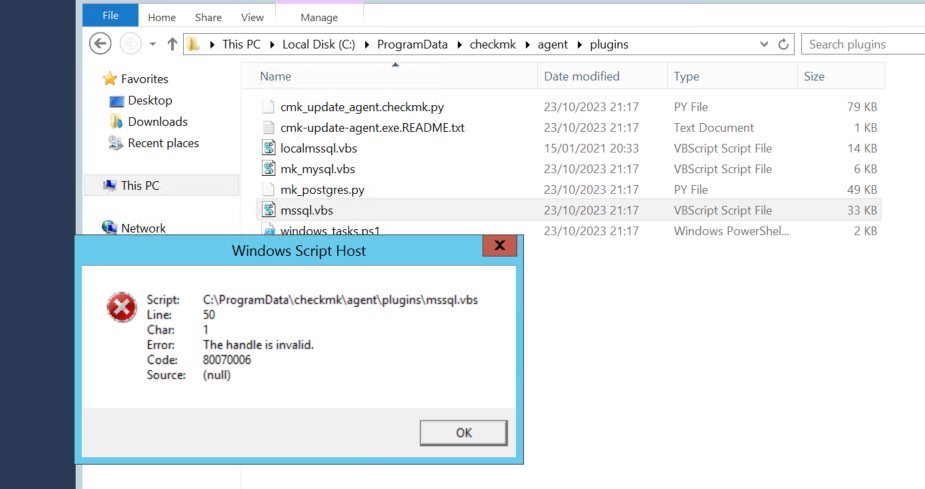
re-installed again and now getting this
Why wouldn’t these SQL servers pick up all the 600 services (that they did before on version 1.6 of the agent)?
The MSI used for the SQL servers has the SA credentials stored also.
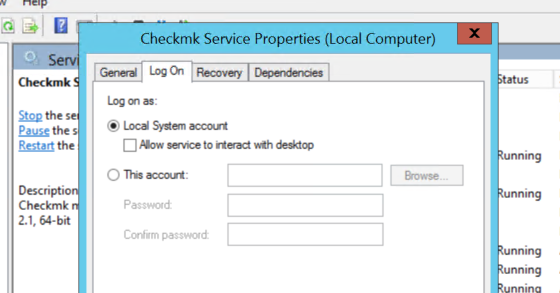
The local checkmk service uses this:
Summary: With agent 1.6 over 600 services was found for each of the SQL servers. With agent 2.1 only about 80 are shown.
I’ve tried setting the parameters for mssql.vbs as described above, registering and re-installing multiple times.
Have you tried runing the mssql.vbs manually via the command line:
You can open Powershell console and navigate to CC:\ProgramData\checkmk\agent\plugins and run the following:
cscript.exe ./mssql.vbs
Does it run without any errors or delays ?
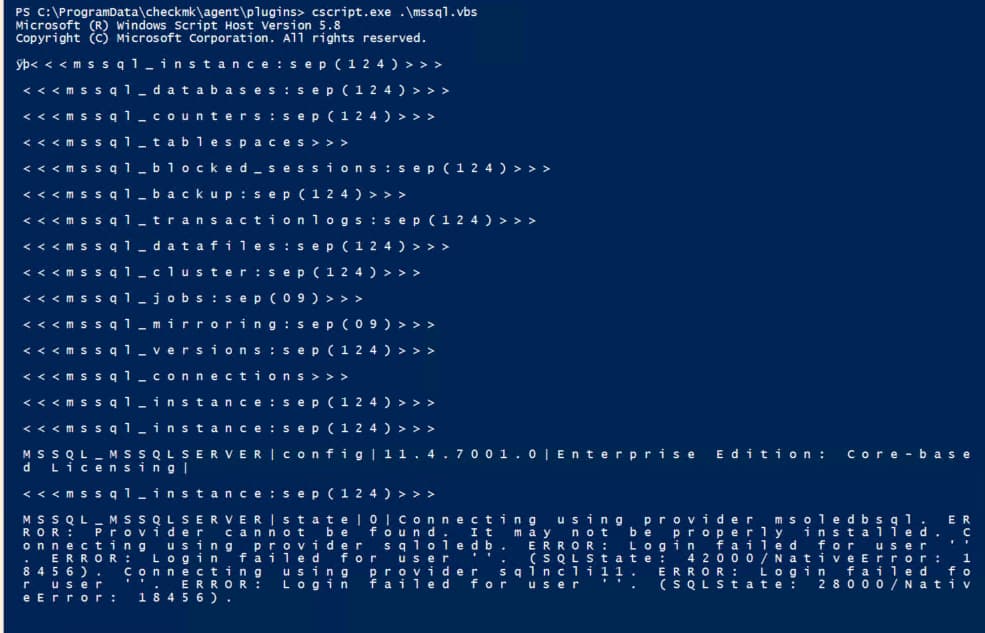
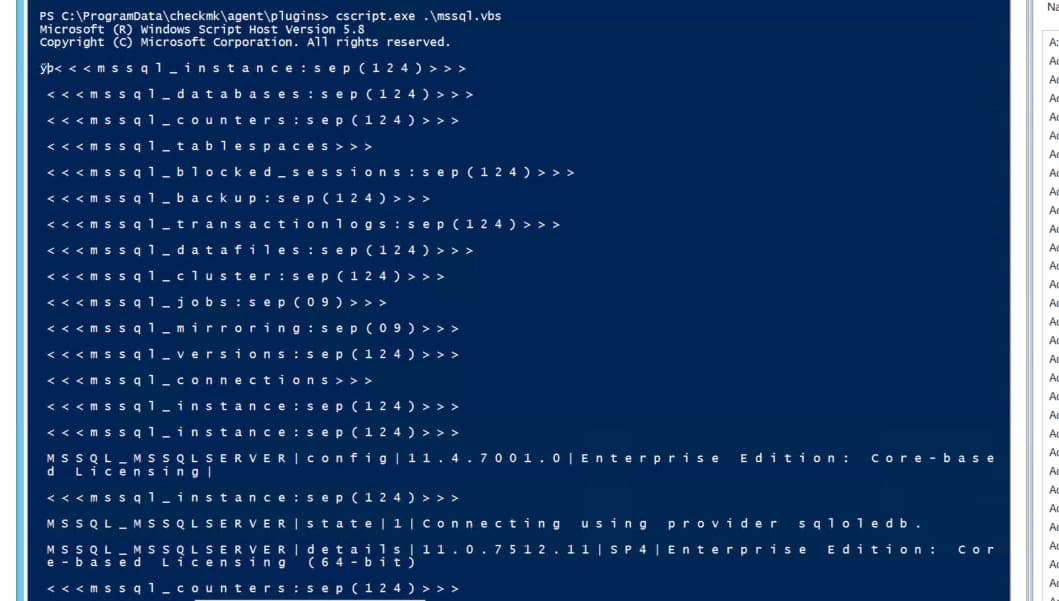
I tried this step here and it appears to be running. But still not seeing the 600 services that I should be with this server?
in the plugin file mssql.vbs search for line:
'For Each connProv in Array(“msoledbsql”, “sqloledb”, “sqlncli11”)
and change the line to:
For Each connProv in Array( “sqloledb”, “sqlncli11”)
FYI I have re-registered this host after the below change to mssql.vbs and also tried re-scanning and re-discovering.
But it’s still only showing 66 services (whereas with the agent 1.6 it had over 600)
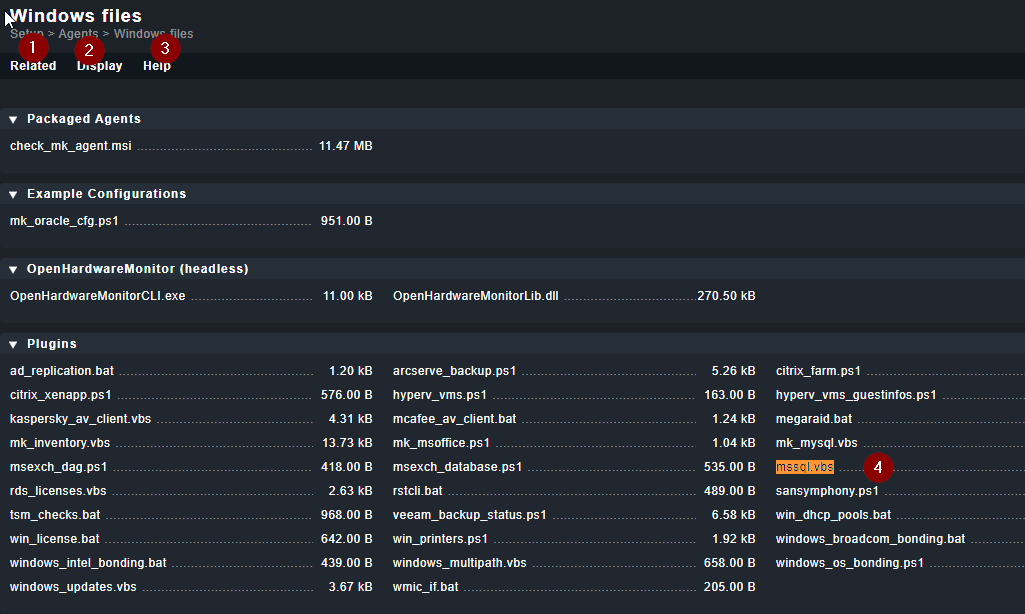
Have you gotten the NEW mssql.vbs from the 2.1 CHECKMK host ?
Since I see you mentioning 1.6 and 2.1, I presume you kept the same mssql.vbs file. Try copying the vbs from the 2.1 server to your SQL servers.
Should, the upgrade to 2.1 not create the new, mssql.vbs file I the directories?
If not then where, can, I get the 2.1 vbs file from?
How can, I, tell if a host is using or has, the 1.6 or 2.1 version of the mssql.vbs file?