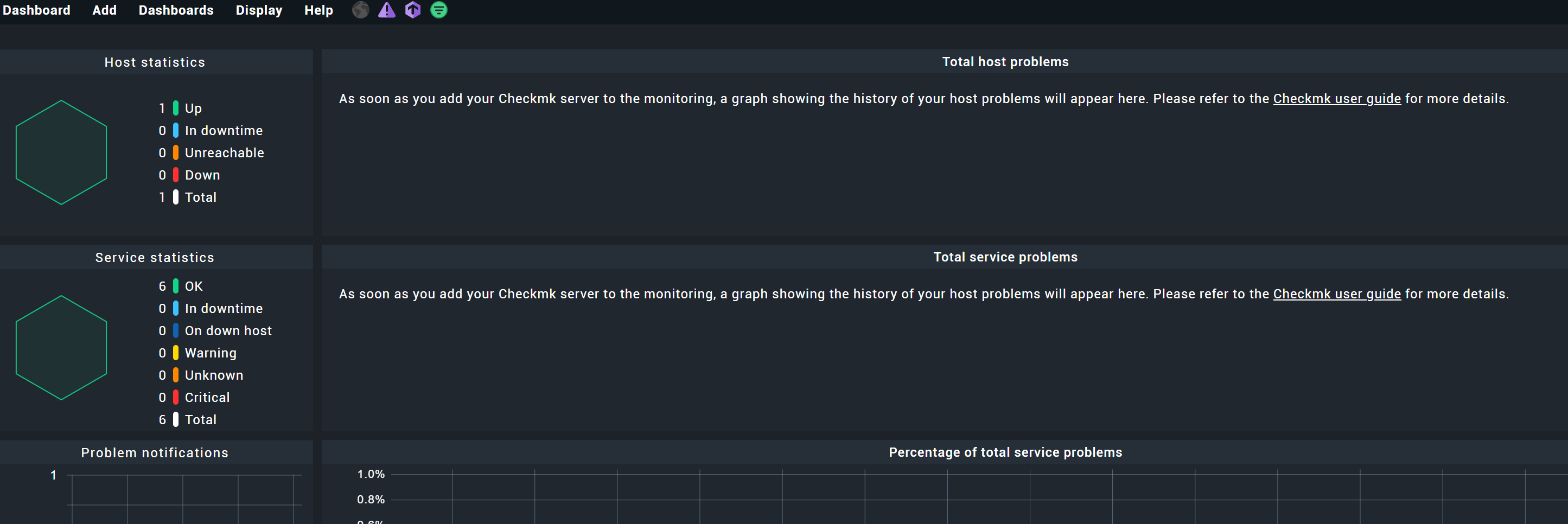
What does “As soon as you add your Checkmk server to the monitoring, a graph showing the history of your host problems will appear here” mean? The link to docs is empty!
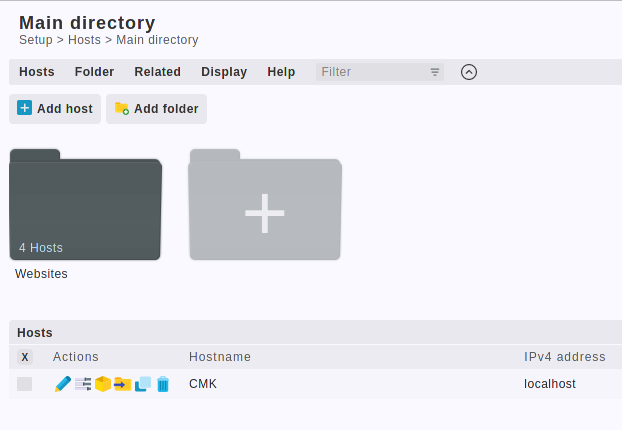
You just need to install the Checkmk agent on your Checkmk host, and then “add it to monitoring” . So basically"Setup"-> “Hosts” → “Add Host”, and then add “yourself”. Example:
Be advised, that for those graphs to work, you need to install the Checkmk agent in version 2.
Ahh, that’s what it means. A better wording for that would be “Add this Checkmk server itself as a Host to show a graph of the history of your host problems”.
Btw, do I have to add it just like any other agent, installing the agent and so on even though it’s on the same machine?
This topic was automatically closed 365 days after the last reply. New replies are no longer allowed. Contact an admin if you think this should be re-opened.

 . So basically"Setup"-> “Hosts” → “Add Host”, and then add “yourself”. Example: